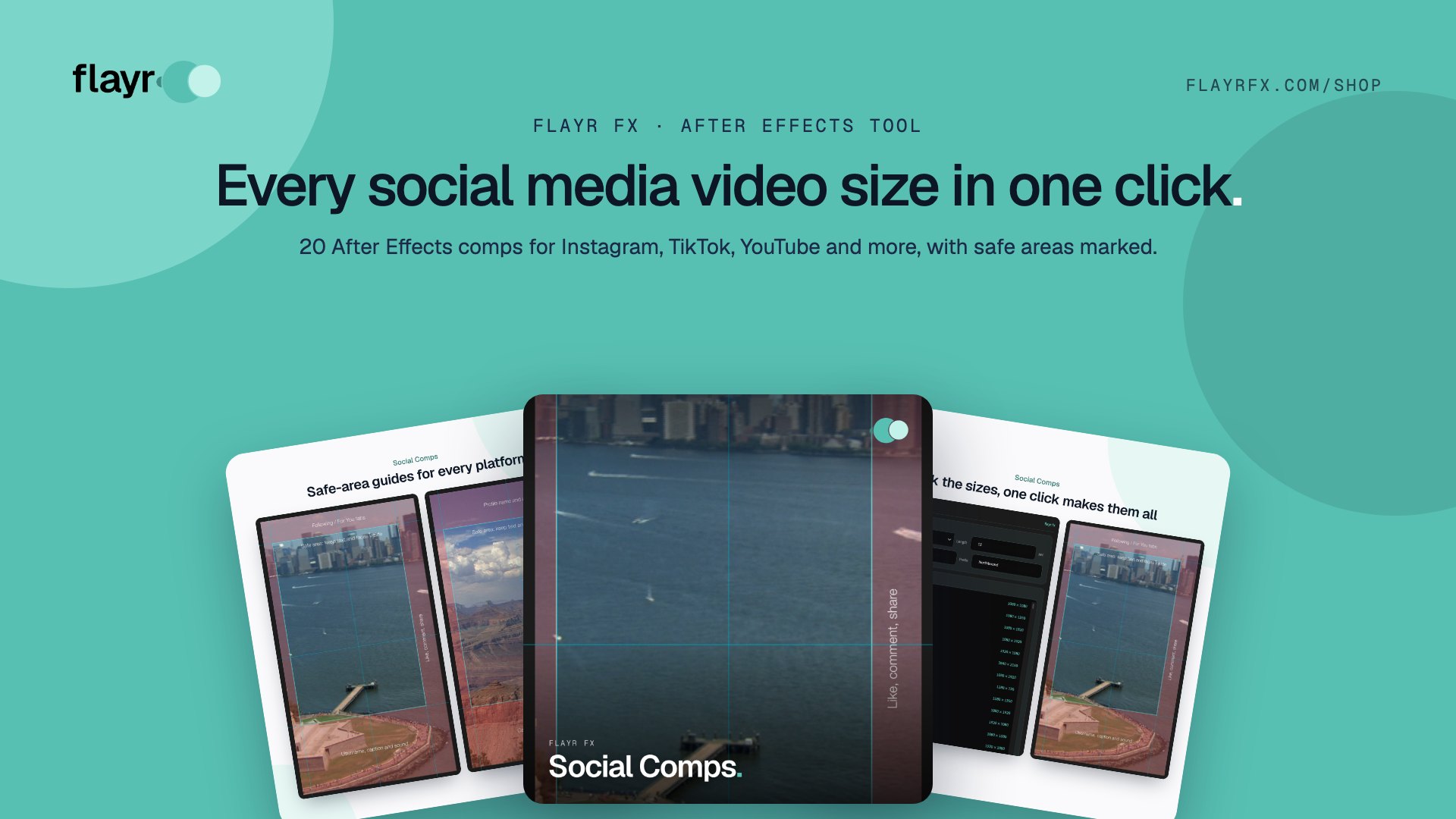
Social Media Video Sizes for 2026: A Cheat Sheet for After Effects Users
A single campaign can mean a 16:9 YouTube master, a 9:16 Reel, a 4:5 feed post, a square LinkedIn cut and a TikTok version. Each platform has its own social media video sizes and its own interface covering parts of the frame. Get them wrong and your titles end up under a like button.
Below is a quick-reference table of the common sizes, some advice on safe areas, and a way to create every one of them as an After Effects comp in a single click with Flayr FX Social Comps.
Social media video sizes cheat sheet
| Platform | Format | Size (px) | Aspect ratio |
|---|---|---|---|
| Reels and Stories | 1080 × 1920 | 9:16 | |
| Feed, portrait | 1080 × 1350 | 4:5 | |
| Feed, square | 1080 × 1080 | 1:1 | |
| TikTok | Video | 1080 × 1920 | 9:16 |
| YouTube | Standard video | 1920 × 1080 | 16:9 |
| YouTube | 4K video | 3840 × 2160 | 16:9 |
| YouTube | Shorts | 1080 × 1920 | 9:16 |
| YouTube | Thumbnail | 1280 × 720 | 16:9 |
| Reels and Stories | 1080 × 1920 | 9:16 | |
| Feed video | 1080 × 1350 | 4:5 | |
| Landscape / square | 1920 × 1080 / 1080 × 1080 | 16:9 / 1:1 | |
| X (Twitter) | Landscape / square | 1920 × 1080 / 1080 × 1080 | 16:9 / 1:1 |
| Video pin | 1000 × 1500 or 1080 × 1920 | 2:3 or 9:16 | |
| Snapchat | Spotlight | 1080 × 1920 | 9:16 |
| Threads | Vertical video | 1080 × 1920 | 9:16 |
If you only make one version, make it 1080 × 1920 vertical: it works on Reels, Stories, TikTok, Shorts, Snapchat and Threads. For anything else, our aspect ratio calculator helps you work out sizes quickly.
Don’t forget the safe areas
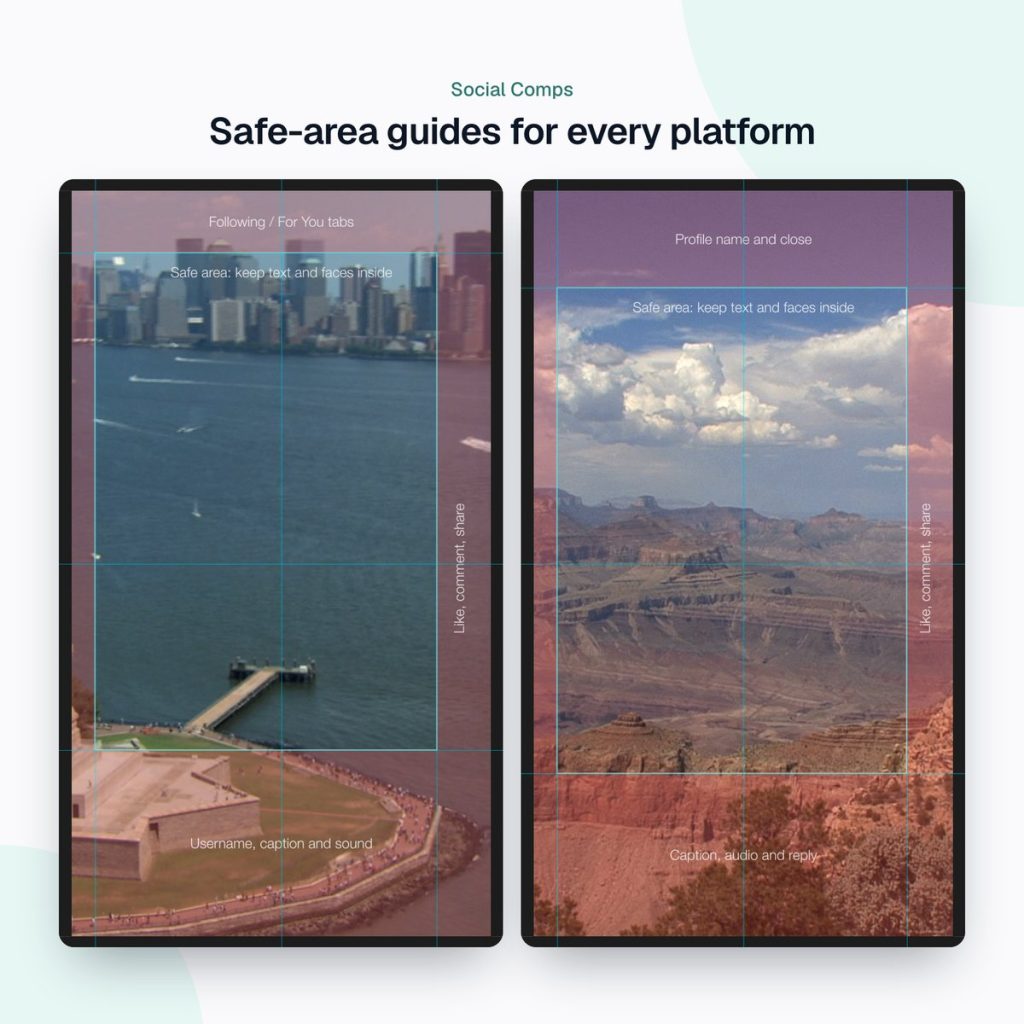
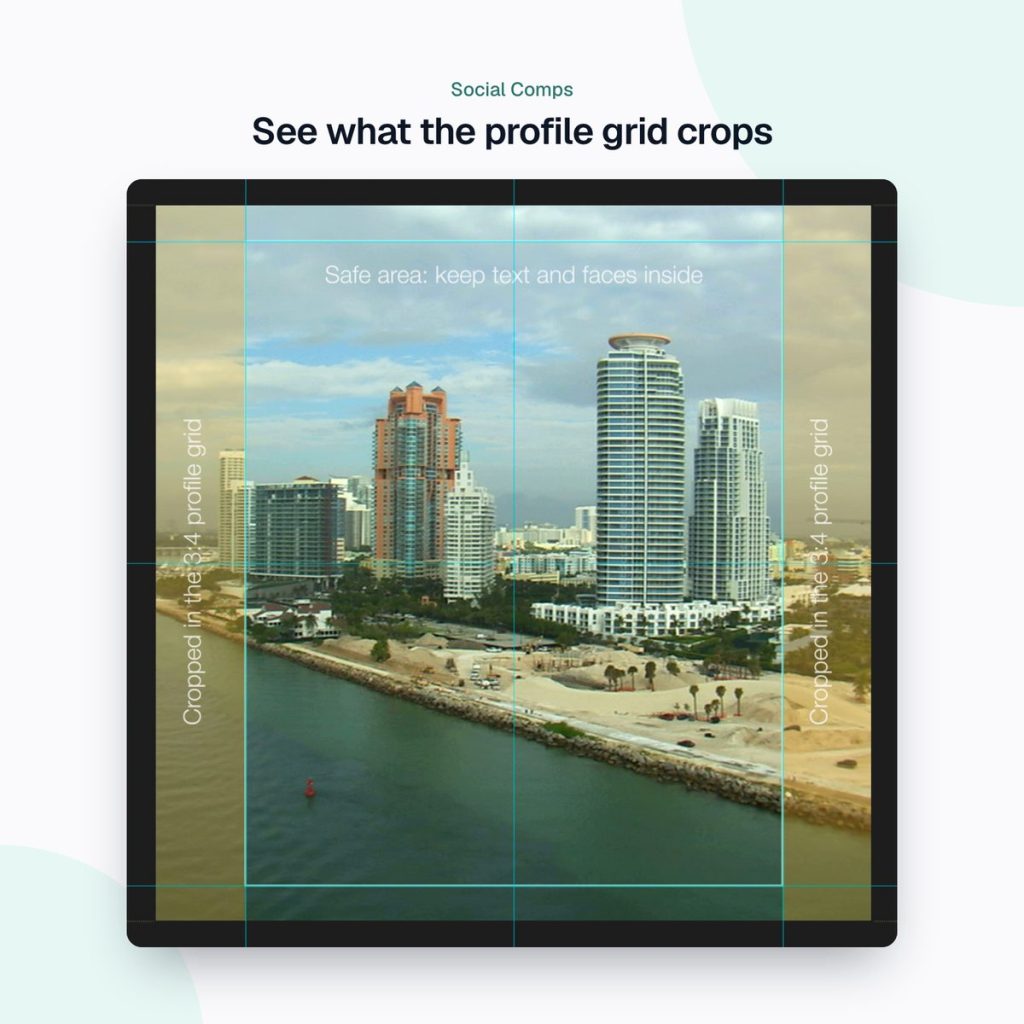
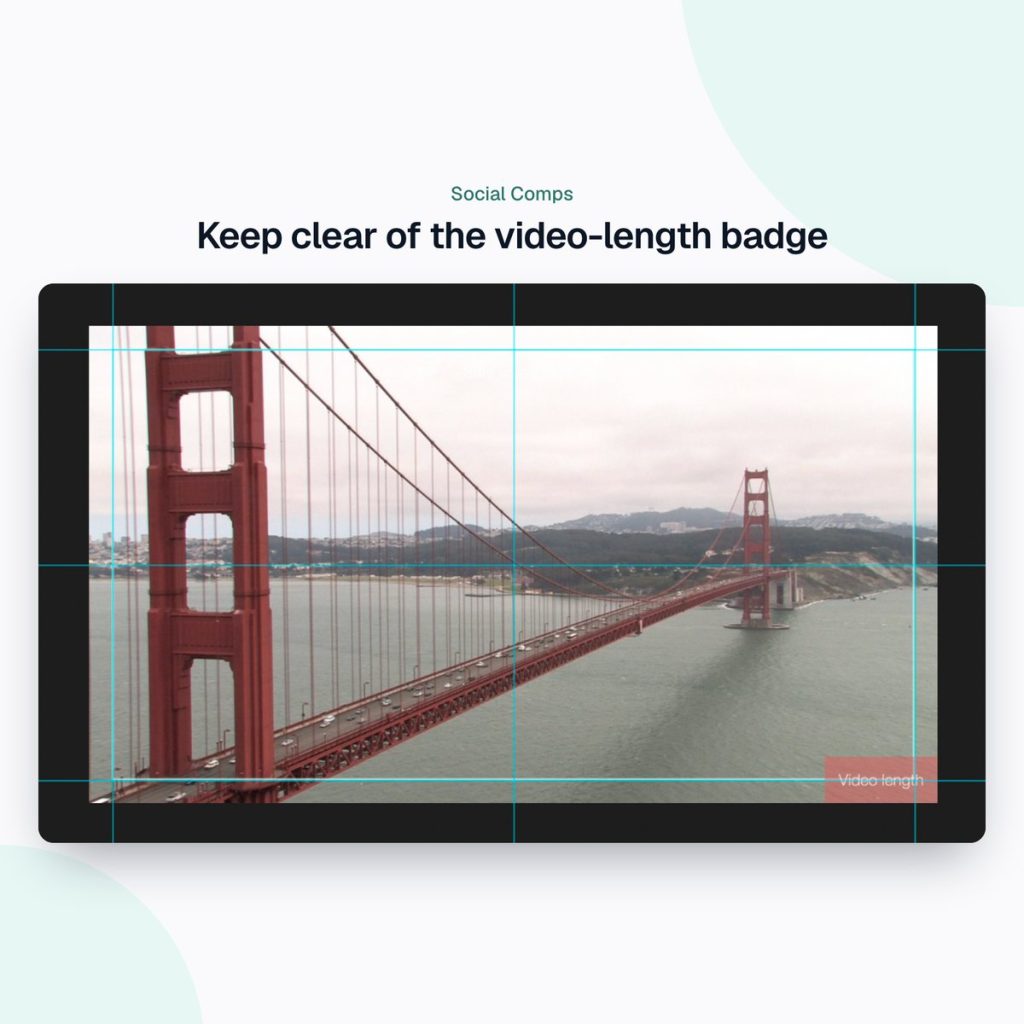
Size is only half of it. Every app lays its interface over your video: the profile name at the top, the caption at the bottom, and the like, comment and share buttons down the right. On Instagram’s square and 4:5 posts the profile grid also crops to 3:4, and YouTube thumbnails have a video-length badge in the corner. We’ve covered this in detail in our free Instagram safe zone templates.
Create every social media size in After Effects in one click
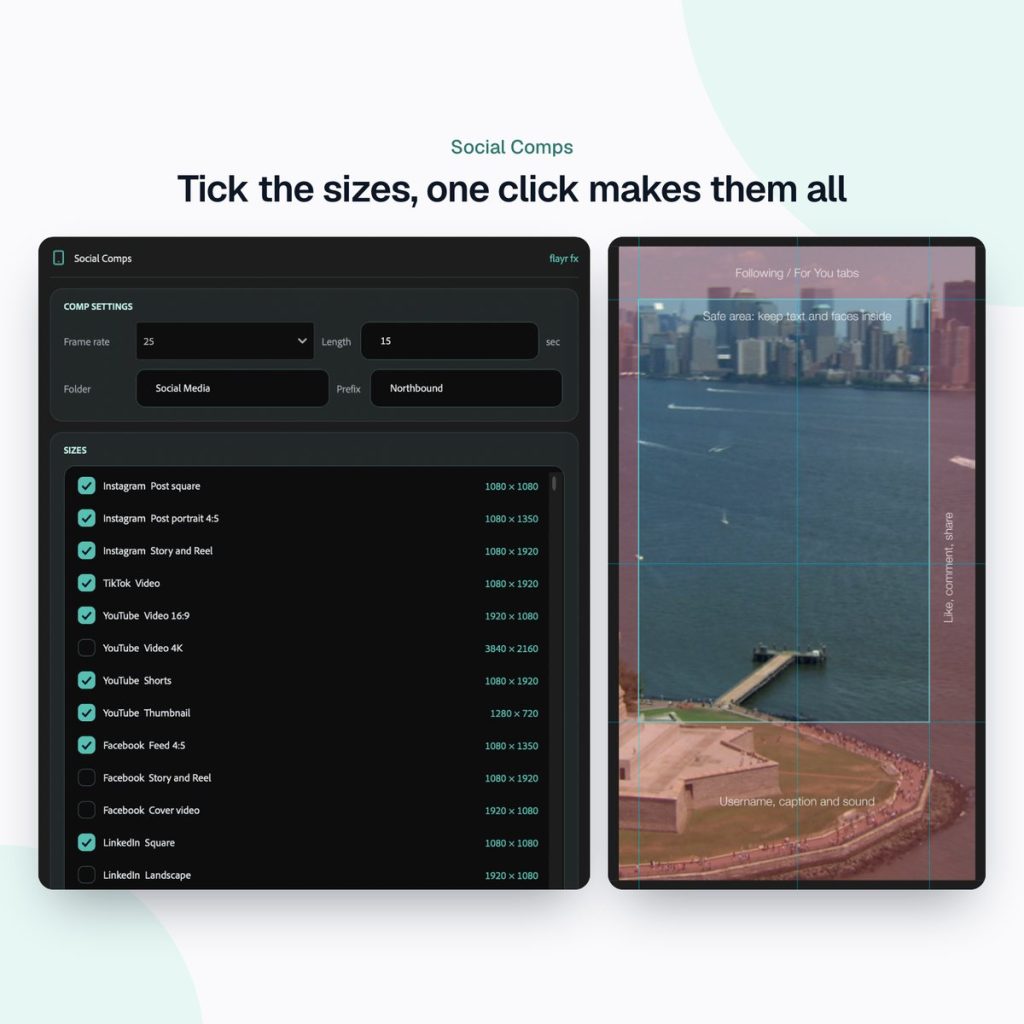
Setting up a campaign usually means twenty minutes of Composition Settings: typing widths and heights, picking frame rates, naming comps and dragging in guides. Flayr FX Social Comps does it all at once. Tick the sizes, pick a frame rate and press Create comps.
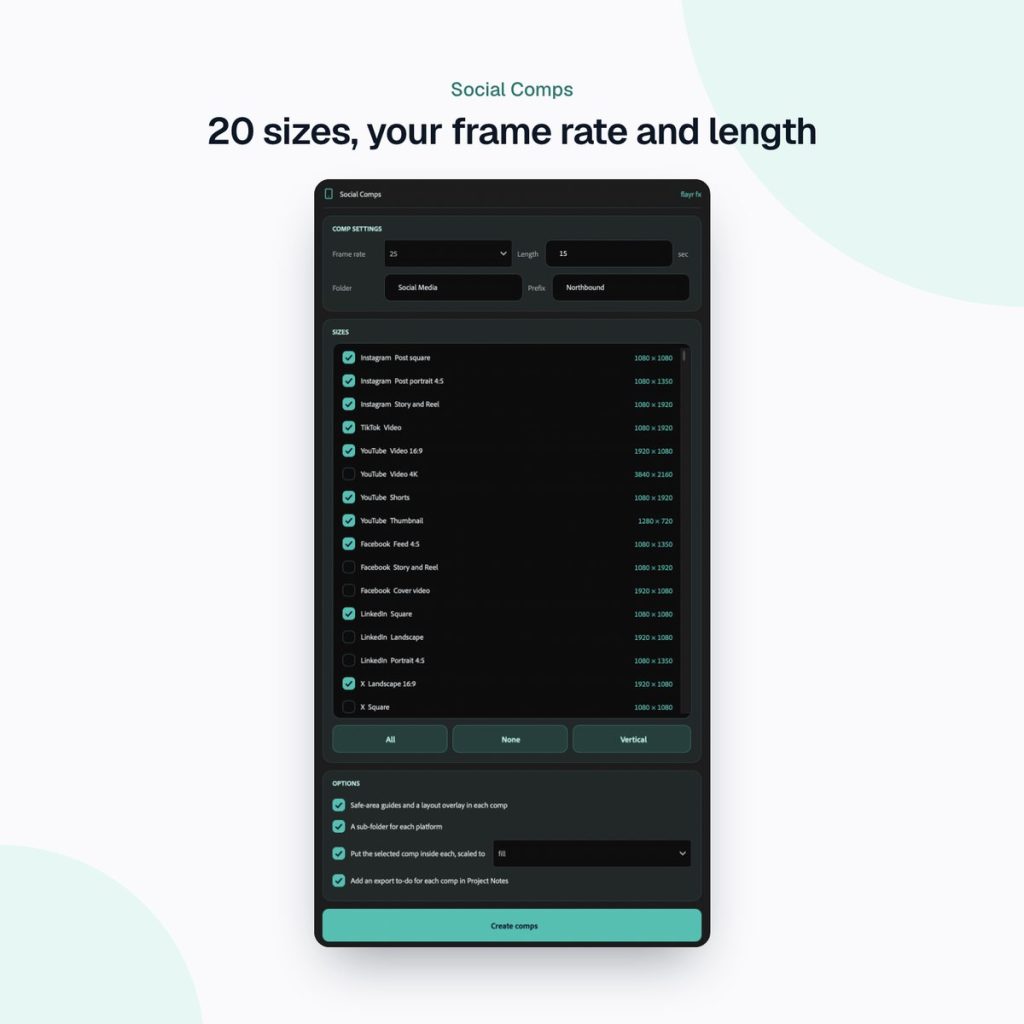
20 up-to-date sizes
Instagram, TikTok, YouTube (including Shorts, 4K and thumbnails), Facebook, LinkedIn, X, Pinterest, Snapchat and Threads, at 23.976 to 60 fps and the length you choose. All, None and Vertical buttons make ticking sizes quick, and it remembers your choices for next time.
Safe areas marked automatically
Every new comp gets guides on the platform’s safe area and the centre lines, plus a layout overlay on a guide layer (so it never renders) that shades and labels where the app’s interface sits. That covers Instagram and Facebook Reels and Stories, TikTok’s tabs, username, caption and buttons, YouTube Shorts, Pinterest video pins, Snapchat Spotlight, the 3:4 profile-grid crop on Instagram square and 4:5 posts, and the video-length badge on YouTube thumbnails. Other sizes get a 5% action-safe area.
Bring your edit with you
Select a master comp and it’s placed inside every new comp, scaled to fill or fit. Everything goes into one folder, with an optional sub-folder per platform and a name prefix for the campaign.
Part of the Flayr FX Tools range
Social Comps is one of a family of small, focused After Effects and Premiere Pro tools we built for our own post-production jobs. Own more than one and they talk to each other: Screenshots and Social Comps add to-dos to Project Notes, and the Project Organiser writes what it moved into your notes. The free Flayr FX Tools hub puts the whole range in one panel under Window › Extensions › Flayr FX Tools, with a tile that opens or runs each tool. It also installs Flayr Ipsum, free placeholder text for titles and lower thirds.
Run Grid Maker on the Social Comps folder to add layout guides to every size at once.
Frequently asked questions
What is the best video size for all social media?
1080 × 1920 (9:16) covers Instagram Reels and Stories, TikTok, YouTube Shorts, Facebook Reels, Snapchat and Threads. Add 1080 × 1350 (4:5) for feeds and 1920 × 1080 (16:9) for YouTube and LinkedIn.
What frame rate should I use for social video?
Match your footage, usually 25 fps in the UK and Europe or 30 fps in North America. Social Comps lets you choose anything from 23.976 to 60 fps.
Do the safe-area guides show up in the render?
No. The layout overlay sits on a guide layer, which After Effects never renders.
Which After Effects versions are supported?
After Effects 2022 or later, on macOS and Windows.
Skip the Composition Settings marathon. Get Flayr FX Social Comps on flayrfx.com.

- How to Find and Add Sound Effects in Premiere Pro Faster - November 5, 2026
- How to Organize an After Effects Project (Tidy the Project Panel in One Click) - November 5, 2026
- How to Make a Grid in After Effects (Split Screens, Mosaics and Layout Guides) - November 5, 2026

Leave a comment
You must be logged in to post a comment.