How to Take a Screenshot in After Effects (and Log Every Frame You Capture)
You need a still for review notes, a style frame for a pitch, a progress update for a client or a bug report for a colleague. Taking a screenshot in After Effects sounds simple, but the built-in route goes through the Render Queue every time, and nothing keeps track of what you grabbed.
Here’s the built-in method, its limits, and how Flayr FX Screenshots captures, logs and exports frames in one click.
The built-in way: Save Frame As
- Move the playhead to the frame you want.
- Choose Composition › Save Frame As › File… (Ctrl+Alt+S on Windows, Cmd+Option+S on Mac).
- In the Render Queue, set the output module to PNG (or JPEG or TIFF) and choose where to save it.
- Press Render.
That’s fine for one frame. For ten frames across five comps it gets tedious. Each one goes through the Render Queue, you have to name every file yourself, and afterwards nothing tells you which comp or timecode a still came from. The Snapshot button under the Composition panel only holds a temporary image for comparison and doesn’t save a file.
A faster way: Flayr FX Screenshots
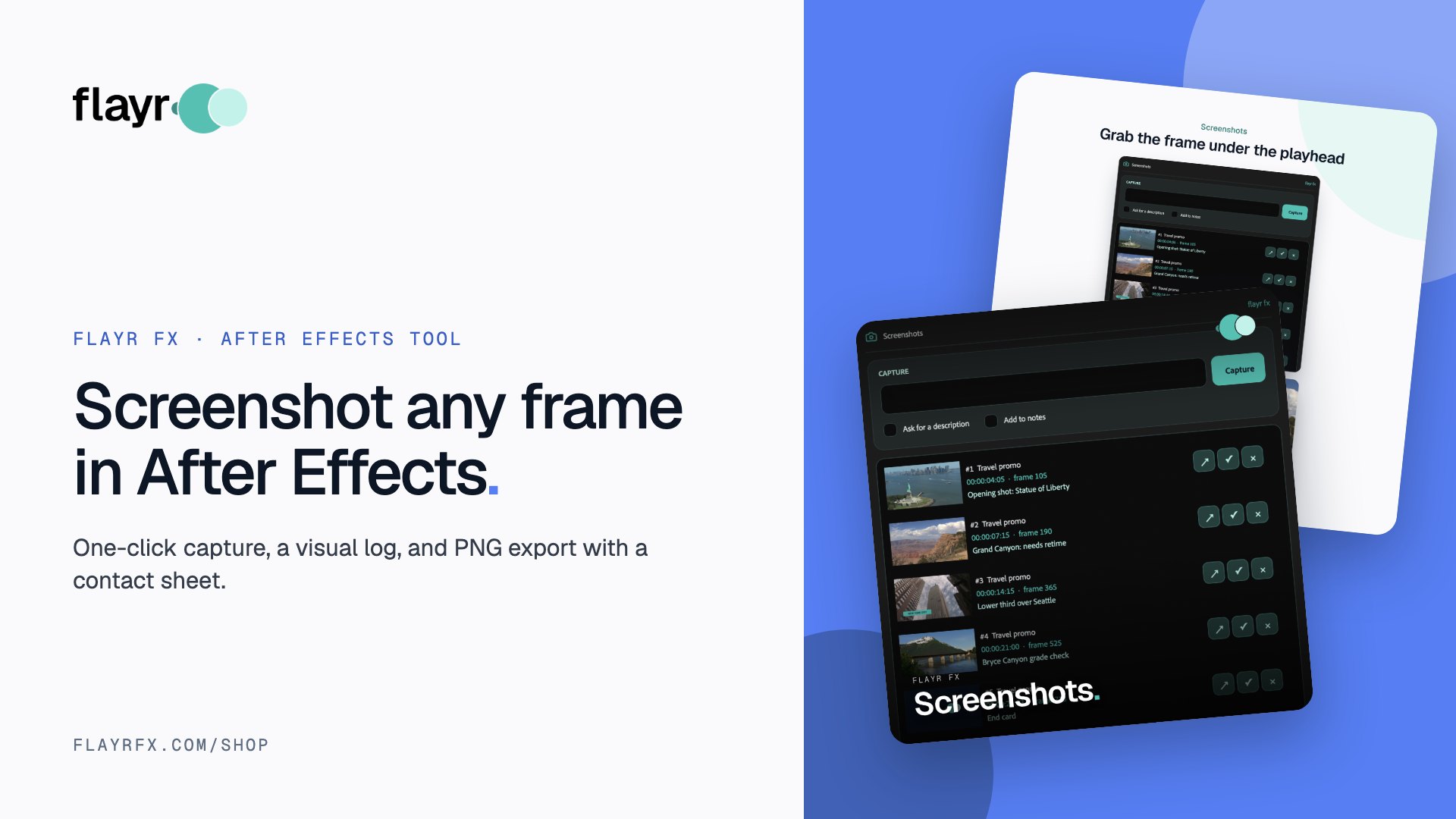
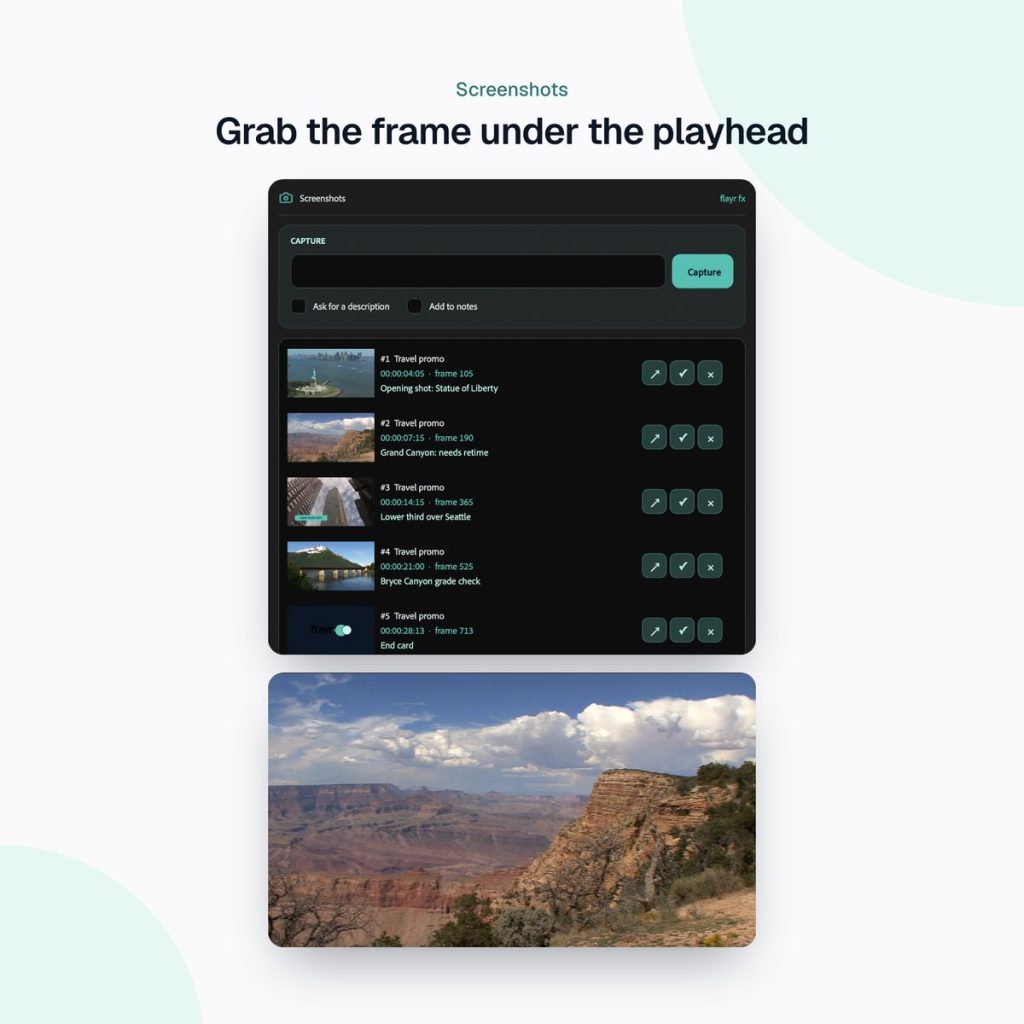
Flayr FX Screenshots is a dockable panel that saves the frame under the playhead as a PNG and logs it with a thumbnail, the comp name, timecode, frame number and your description.
One-click capture
Type a description (or don’t) and press Capture, or just press Return. Shots are saved in a “screenshots” folder next to the project, so they’re always easy to find.
A visual log that saves with the project
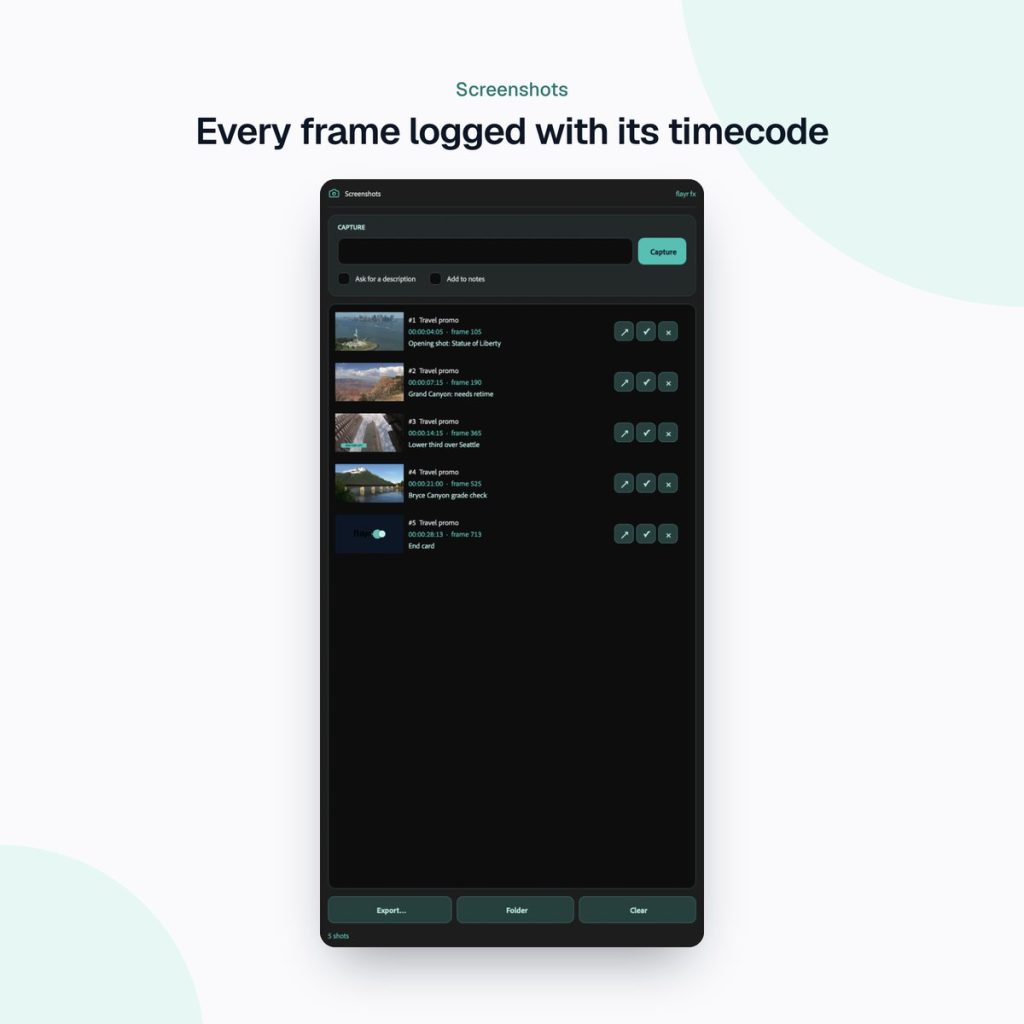
Every capture appears in the panel as a thumbnail with its comp and timecode. Click any thumbnail to open that comp at that exact frame, which is handy when you’re working through review notes.
Export PNGs with a contact sheet
Tick the shots you want (they all start ticked) and they’re copied to a folder with clear file names, a contact sheet you can open in any browser (index.html) and a spreadsheet (screenshots.csv). That’s a client-ready set of stills, with timecodes, in seconds.
When it saves the most time
- Client updates: send a contact sheet of the latest frames instead of a full render.
- Style frames: capture options as you design and export the best ones for the pitch deck.
- Review and QC: log problem frames with a description, then jump straight back to each one to fix it.
- Bug reports: show a colleague exactly which comp and frame is broken.
- Thumbnails and social stills: grab clean frames for YouTube thumbnails and posts.
Part of the Flayr FX Tools range
Screenshots is one of a family of small, focused After Effects and Premiere Pro tools we built for our own post-production jobs. Own more than one and they talk to each other: Screenshots and Social Comps add to-dos to Project Notes, and the Project Organiser writes what it moved into your notes. The free Flayr FX Tools hub puts the whole range in one panel under Window › Extensions › Flayr FX Tools, with a tile that opens or runs each tool. It also installs Flayr Ipsum, free placeholder text for titles and lower thirds.
With Project Notes installed, you can send any shot to your to-do list as “review this”, linked to its frame. If you’re still learning your way around the app, our free After Effects cheat sheet has the shortcuts worth knowing.
Frequently asked questions
What’s the shortcut to save a frame in After Effects?
Composition › Save Frame As › File is Ctrl+Alt+S on Windows and Cmd+Option+S on Mac. It adds the frame to the Render Queue, where you choose the format and render it.
What format does Flayr FX Screenshots save?
PNG. Exports also include an index.html contact sheet and a screenshots.csv spreadsheet listing each shot.
Where are the screenshots saved?
In a “screenshots” folder next to your project file. The log itself is saved with the project.
Which versions of After Effects does it support?
After Effects 2022 or later, on macOS and Windows.
Stop rendering stills one at a time. Get Flayr FX Screenshots on flayrfx.com.

- How to Find and Add Sound Effects in Premiere Pro Faster - November 5, 2026
- How to Organize an After Effects Project (Tidy the Project Panel in One Click) - November 5, 2026
- How to Make a Grid in After Effects (Split Screens, Mosaics and Layout Guides) - November 5, 2026


Leave a comment
You must be logged in to post a comment.