
How to Make a Grid in After Effects (Split Screens, Mosaics and Layout Guides)
Split screens, mosaic transitions, video walls, photo collages and layout guides all start the same way: with a grid in After Effects. There are a few ways to make one, and which is right depends on whether you need a guide to look at or real layers to animate.
Below are the built-in options and their limits, and how Flayr FX Grid Maker builds a grid of solids, one cell per layer, sized to the pixel, in one click.
Option 1: the built-in view grid
View › Show Grid and View › Show Proportional Grid draw a grid over the Composition panel, and you can set the spacing in Preferences › Grids & Guides. They’re handy for lining things up, but they’re overlays only. They don’t render, and they can’t be animated or used as mattes.
Option 2: the Grid effect
Effect › Generate › Grid draws grid lines on a layer, with controls for size, border and feather. It renders, so it’s good for a graphic grid look. But it’s one effect on one layer: you can’t move, colour or matte individual cells.
Option 3: a grid of solids or shape layers
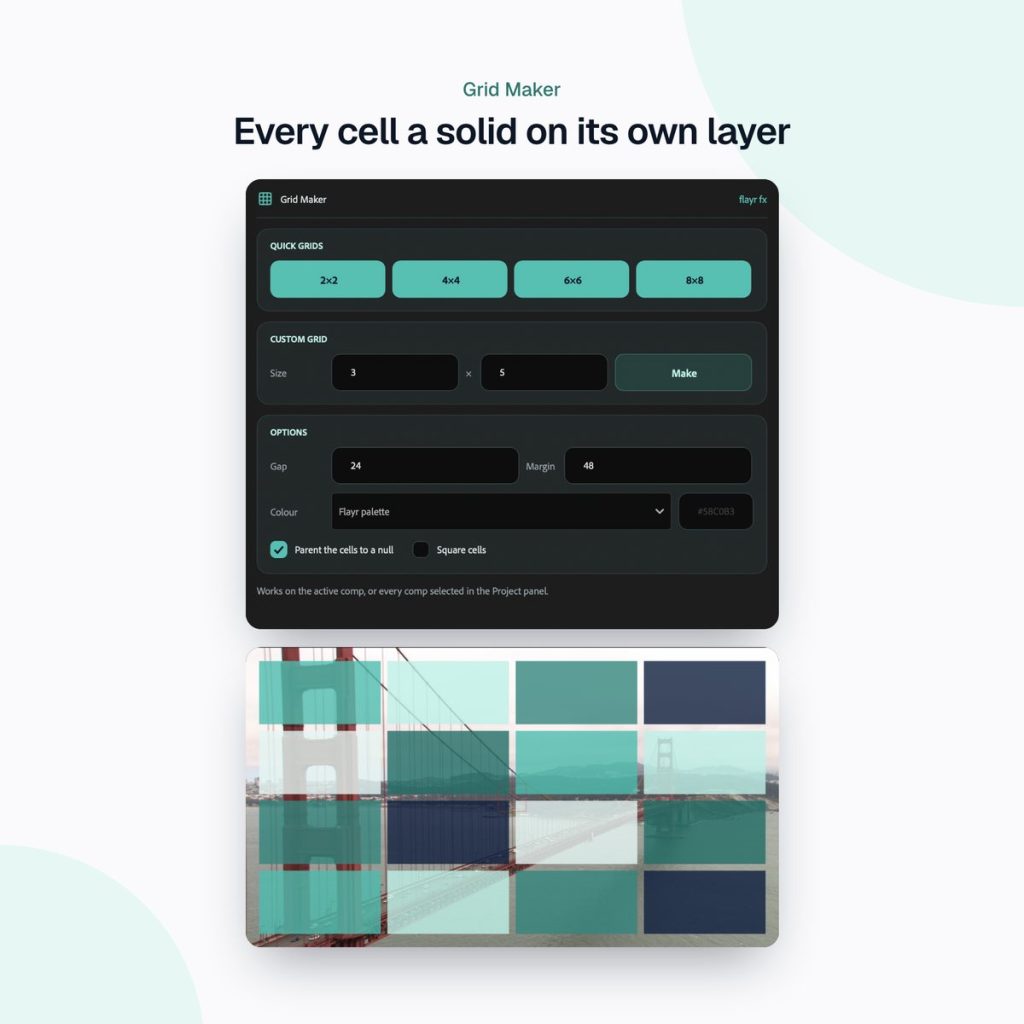
For split screens, mosaics and transitions you need each cell as its own layer, so you can animate it, use it as a track matte or drop footage into it. By hand, that means working out cell sizes with gaps and margins, creating each solid, typing its position, naming it, and doing it all again for every comp size. A 4×4 grid is 16 layers. An 8×8 grid is 64.
The fast way: Flayr FX Grid Maker
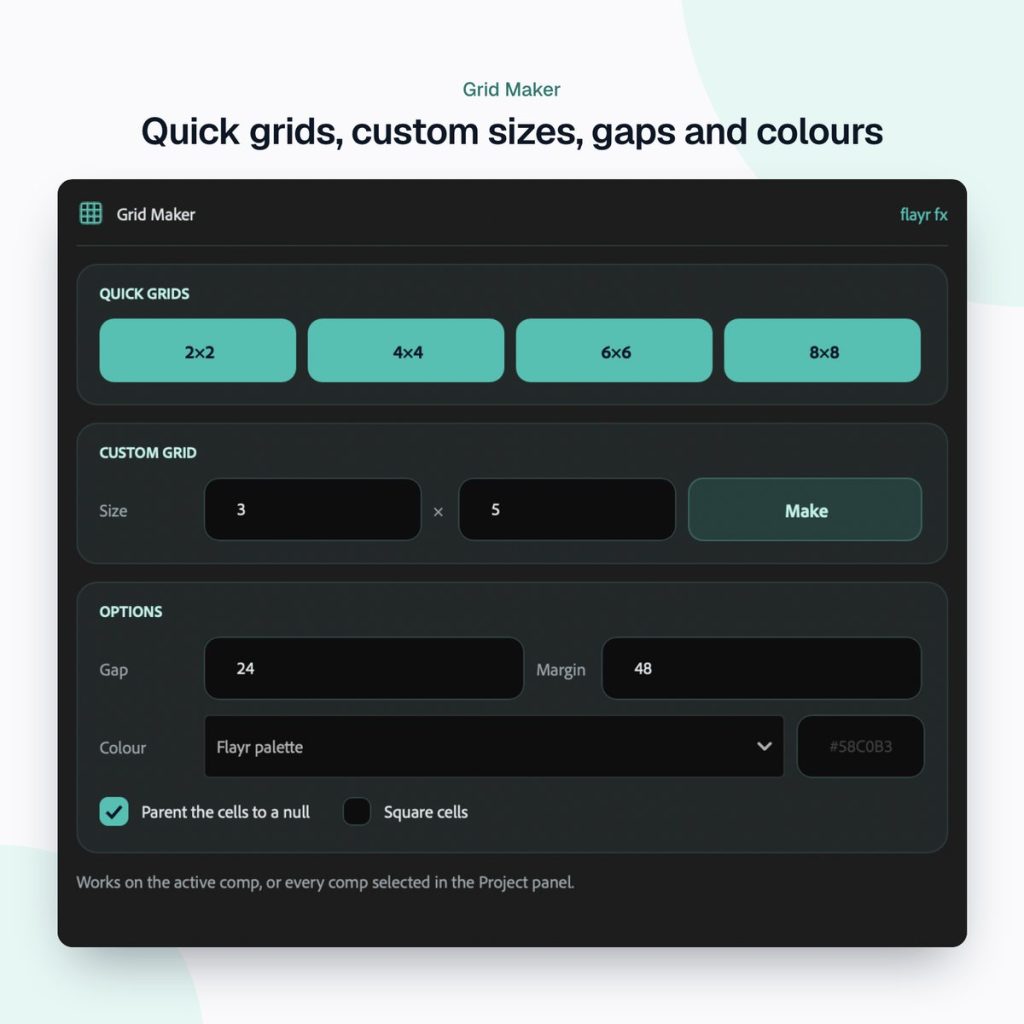
Flayr FX Grid Maker is a dockable After Effects panel that builds that grid for you. Click 2×2, 4×4, 6×6 or 8×8, or type any rows × columns up to 32, and every cell is created as a solid on its own layer, positioned to the pixel.
Gaps, margins and square cells
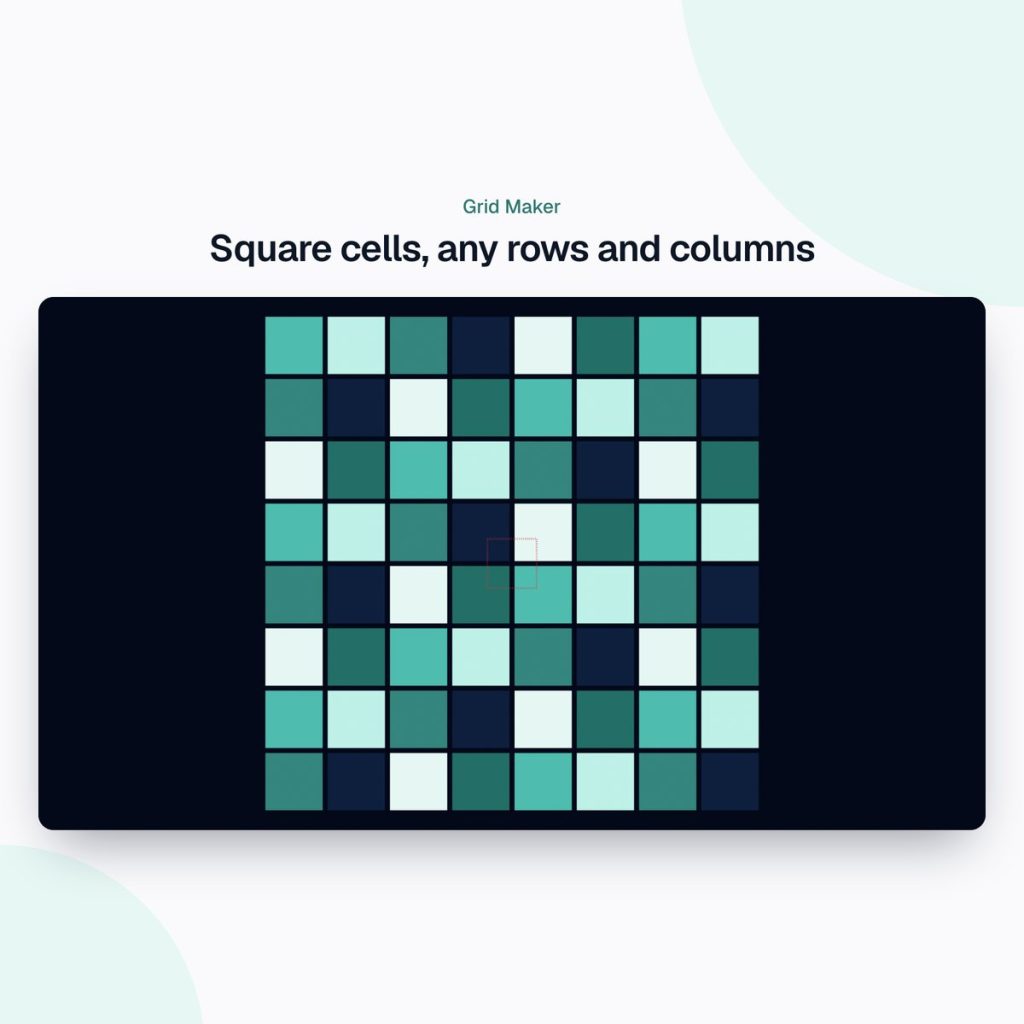
Set gaps and margins in pixels. Turn on square cells and every cell becomes the largest square that fits, with the grid centred in the comp.
Colours and clear names
Fill the cells with one colour, the Flayr palette, a checkerboard, grey steps or random colours, which makes it easy to see the layout at a glance. Layers get clear names in reading order (“Grid 4×4 R1C1”), and you can parent them all to one null to move the lot.
Many comps at once
Select several comps in the Project panel and each gets its own grid, fitted to its size. That’s ideal after creating a set of social sizes with Flayr FX Social Comps.
What to do with your grid
- Split screens: use each cell as an alpha track matte for a footage layer.
- Mosaic transitions: offset the cells’ scale or opacity in time to build a tile-in or tile-out reveal.
- Video walls: parent cells to a null and push a 3D camera through them.
- Layout guides: turn the grid into a guide layer to design consistent typography and graphics.
If you want your clips laid out in a grid rather than solids, Flayr FX Multiscreen builds split screens from your footage in Premiere Pro and After Effects.
Part of the Flayr FX Tools range
Grid Maker is one of a family of small, focused After Effects and Premiere Pro tools we built for our own post-production jobs. Own more than one and they talk to each other: Screenshots and Social Comps add to-dos to Project Notes, and the Project Organiser writes what it moved into your notes. The free Flayr FX Tools hub puts the whole range in one panel under Window › Extensions › Flayr FX Tools, with a tile that opens or runs each tool. It also installs Flayr Ipsum, free placeholder text for titles and lower thirds.
Frequently asked questions
How do I show a grid in After Effects?
Choose View › Show Grid or View › Show Proportional Grid. These are viewing aids only and don’t render. To render a grid, use Effect › Generate › Grid or build one from layers.
How many cells can Grid Maker create?
Any number of rows and columns up to 32 × 32, with one-click buttons for 2×2, 4×4, 6×6 and 8×8.
Can I use the cells as track mattes?
Yes. Each cell is an ordinary solid on its own layer, so you can use it as a matte, animate it or replace it.
Which After Effects versions are supported?
After Effects 2022 or later, on macOS and Windows.
Stop doing grid maths by hand. Get Flayr FX Grid Maker on flayrfx.com.

- How to Find and Add Sound Effects in Premiere Pro Faster - November 5, 2026
- How to Organize an After Effects Project (Tidy the Project Panel in One Click) - November 5, 2026
- How to Make a Grid in After Effects (Split Screens, Mosaics and Layout Guides) - November 5, 2026



Leave a comment
You must be logged in to post a comment.