After Effects Map Animation: How to Make Animated 3D Travel Maps in Minutes
Animated maps are everywhere: travel vlogs, history channels, documentaries, news graphics, company location reels and tour-date promos. A good After Effects map animation tells the viewer where they are in a second. Building one by hand is slow. You have to find a map, set up a 3D camera, keyframe every move, add pins and mask out countries.
This guide covers what makes a map animation work, how it is usually built in After Effects, and how Flayr FX World Map gets you the same result by typing a place name and pressing one button.
What makes a good map animation?
- Readable geography. Clean coastlines and borders, and a highlight on the country that matters.
- A smooth, eased camera. The move should arc and settle like a real camera, not slide in a straight line.
- Clear labels and pins. Text that faces the camera, stays level and reads on any background.
- A consistent look. The same colours, fonts and timing from the first stop to the last, ideally matched to the brand.
The traditional way to animate a map in After Effects
Most tutorials follow the same pattern. Find a high-resolution world map (or an SVG you can turn into shape layers), import it, make it a 3D layer and add a camera. Then keyframe the camera position and point of interest for every destination, mask out the country you want to highlight and extrude or lift it, and build pins and text layers for each stop, timing them by hand.
It works, but a three-stop route can easily take an afternoon. When the client changes Paris to Madrid you are back in the graph editor. Template packs help, but you are often stuck with the template’s look and a fixed number of stops.
Flayr FX World Map: animated 3D maps from a place name
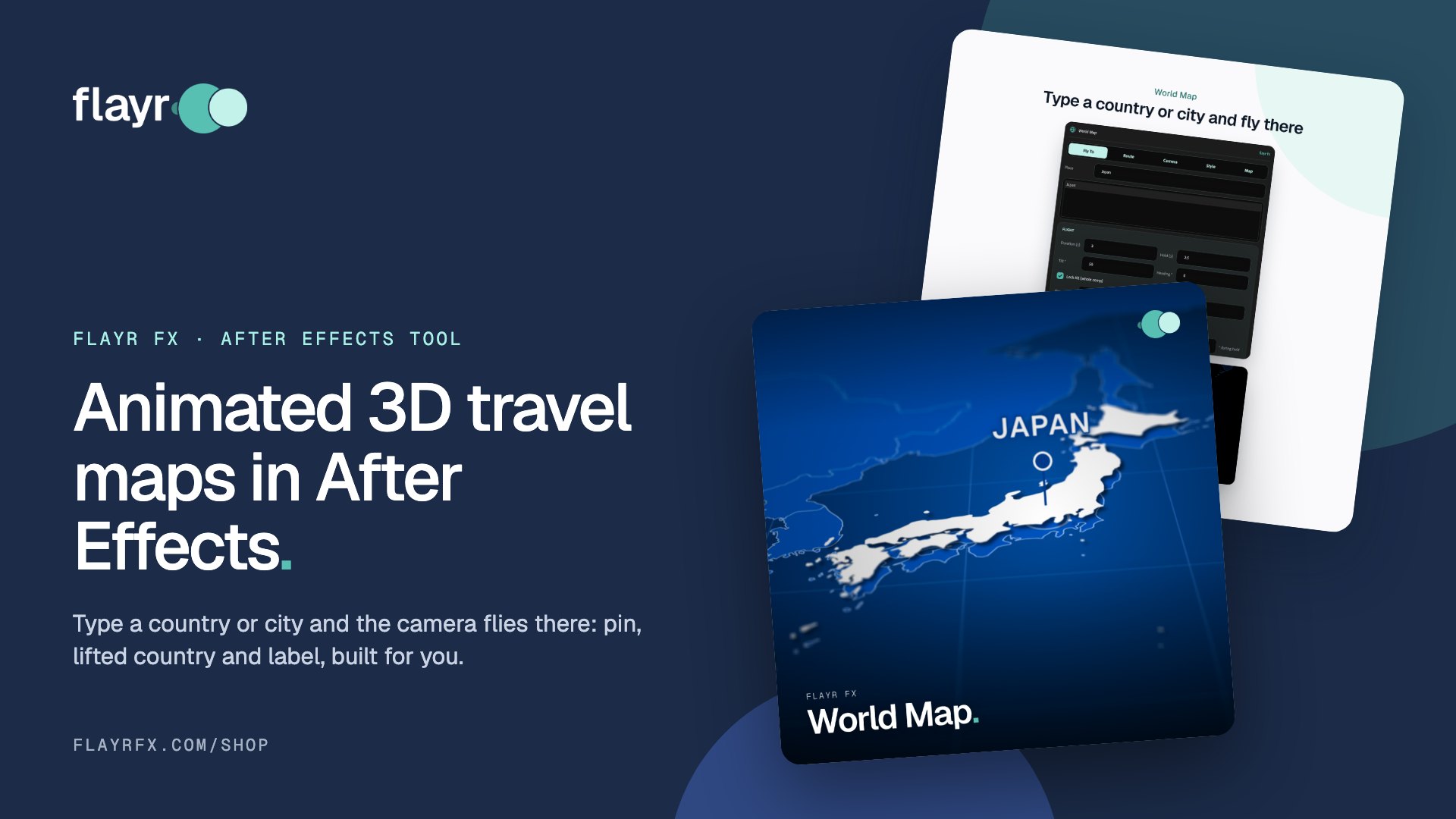
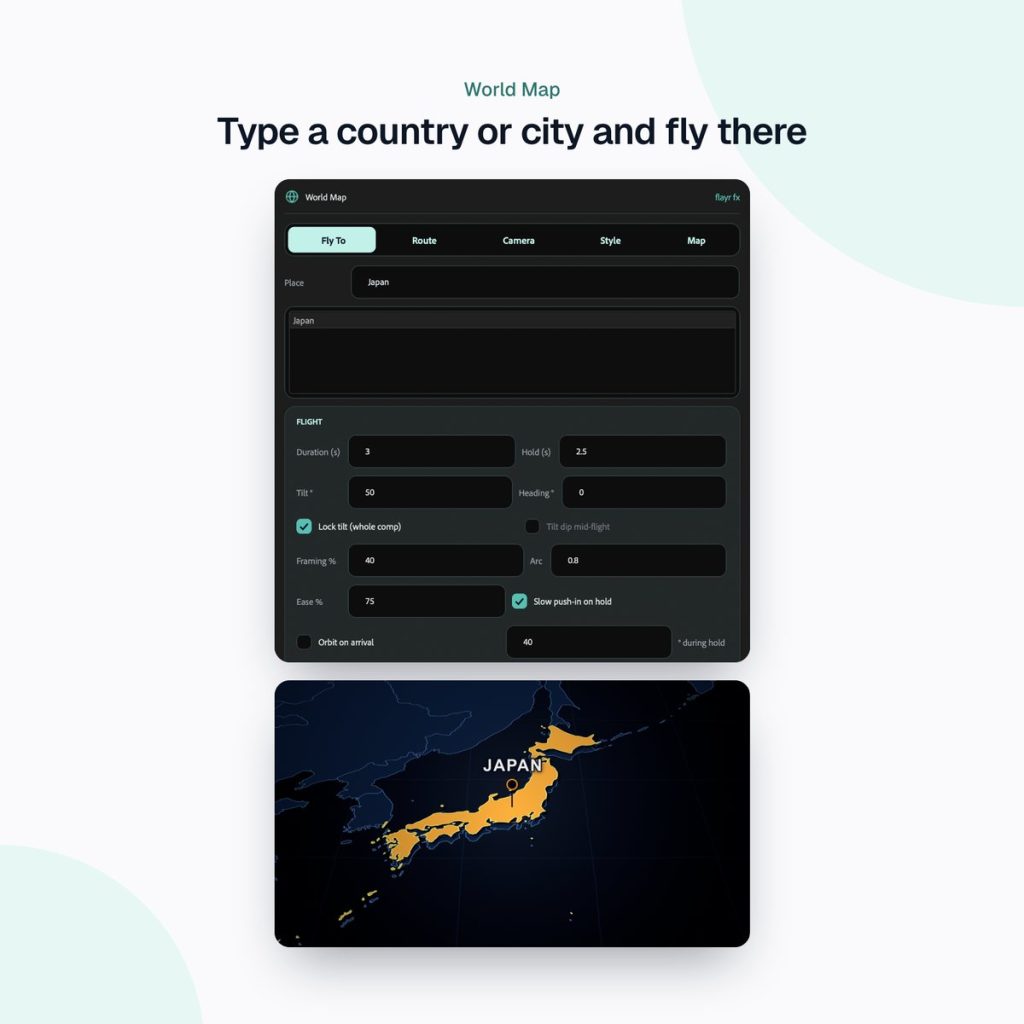
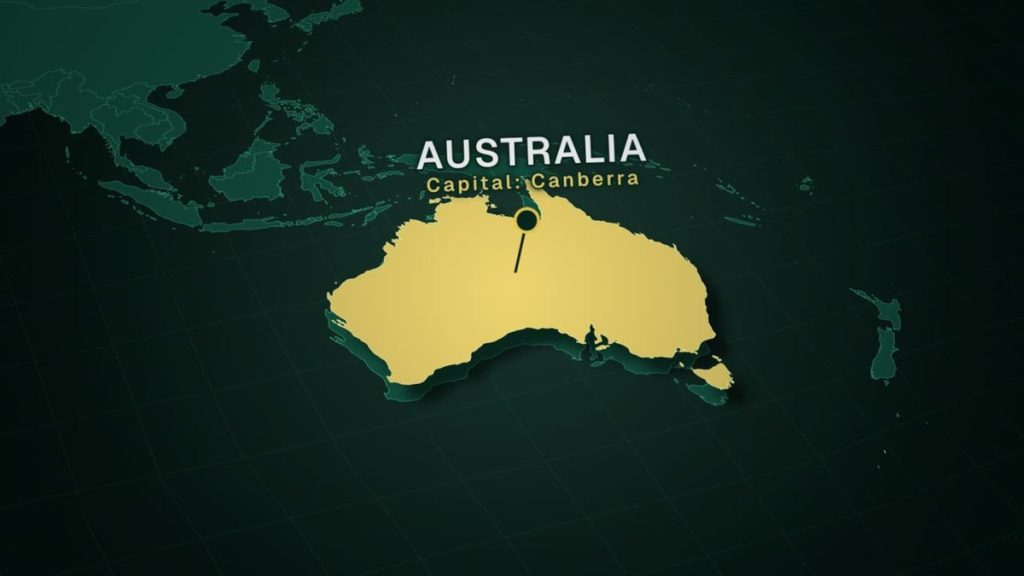
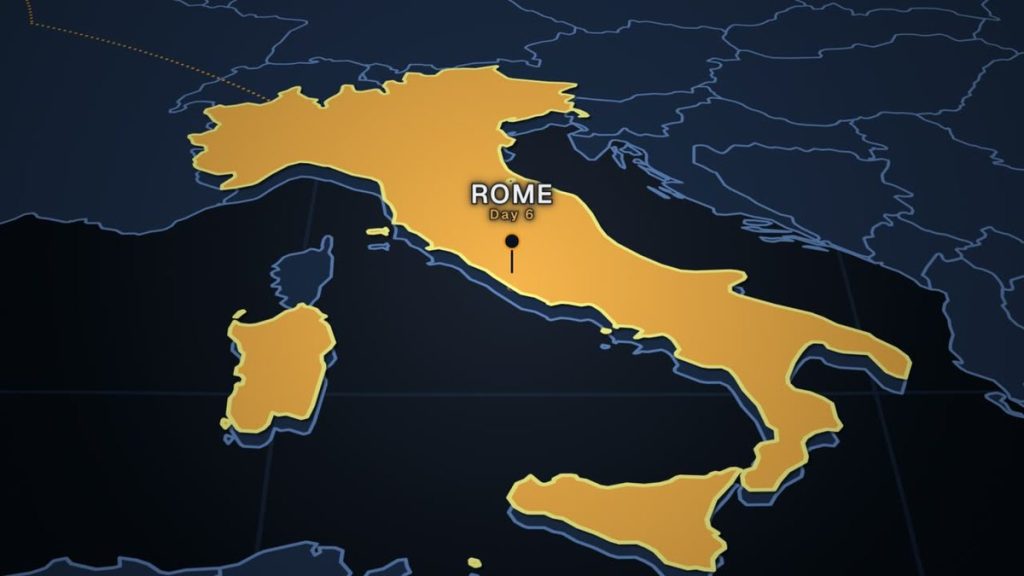
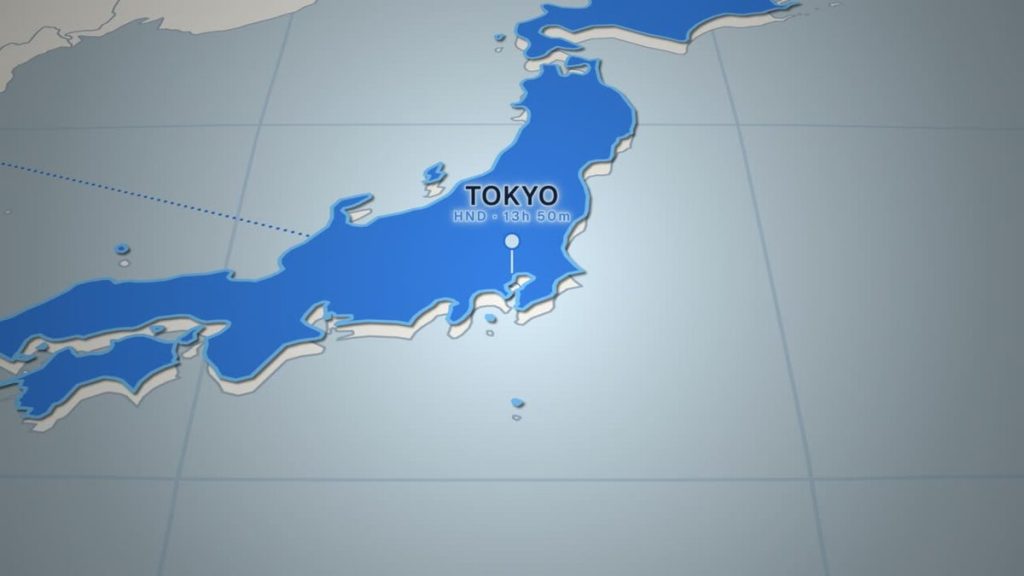
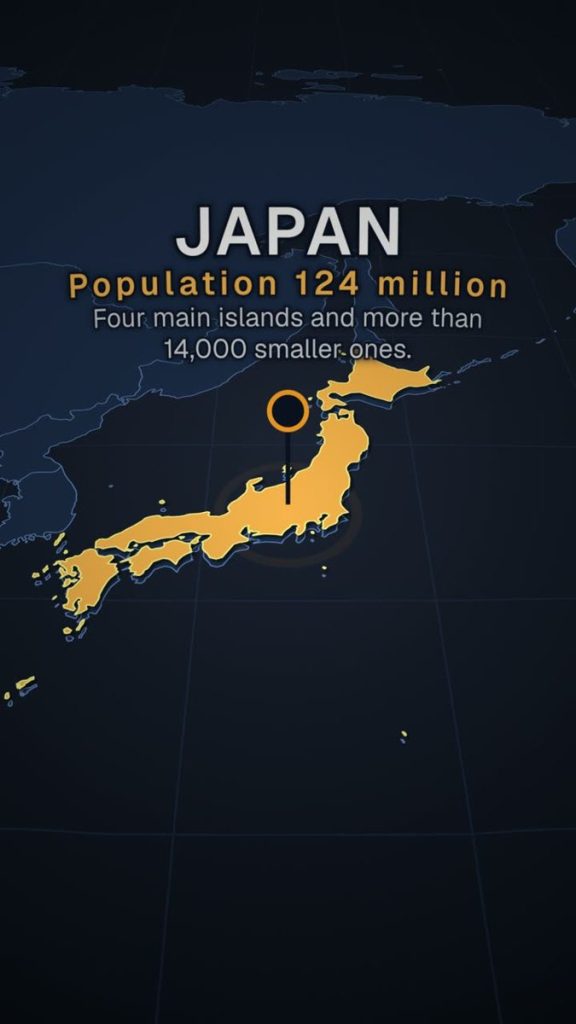
Flayr FX World Map is a dockable After Effects panel that builds a detailed 3D world map and flies the camera around it for you. Type a place, press Fly To, and you get an eased, arcing camera flight, a pin that drops in with a pulsing ring, the country lifted out of the map with a shadow, and a title, subheading and description that reveal in a cascade.
The map covers 241 countries and territories from Natural Earth’s detailed outlines, plus 7,302 cities you can fly to by name. Everything it makes is ordinary After Effects layers, keyframes and expressions, so you can change anything afterwards.
Fly to any country or city in one click
Results appear as you type: countries first, then the biggest cities. Aliases, country codes and accents all work (USA, UK, DRC, Holland, Ivory Coast), and for cities that share a name you can pick from the list or type “London Canada”. The flight starts at the playhead, and the next one follows on.
Build a whole travel route, stop by stop
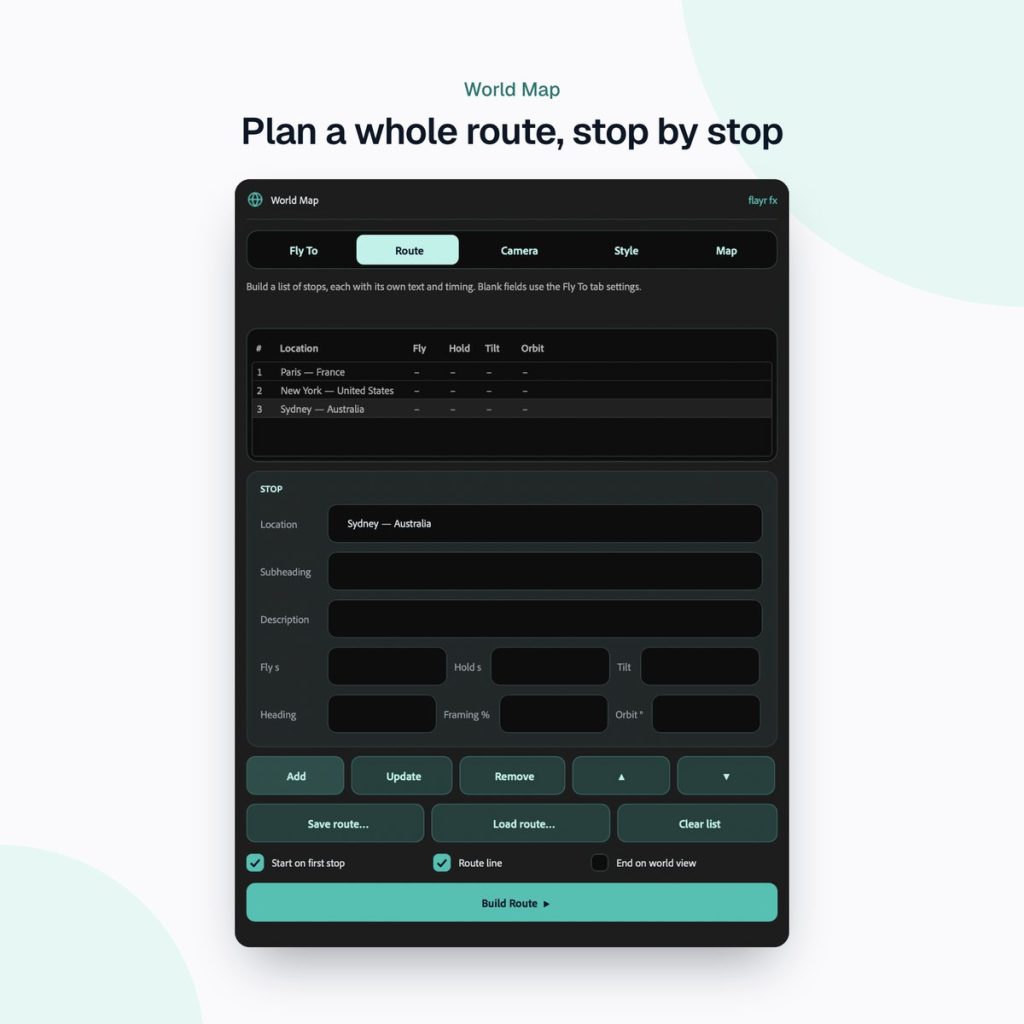
For a quick tour, type France, Japan, Brazil and it flies to each in turn. Give every stop its own text with France | Subheading | Description. For more control, the Route tab plans a journey stop by stop, each with its own flight time, hold, tilt, heading, framing and orbit. Dotted route lines draw on as the camera flies and stay on screen to show the whole trip. Routes save as spreadsheet files you can edit in Excel or Numbers.
Real camera work and depth of field
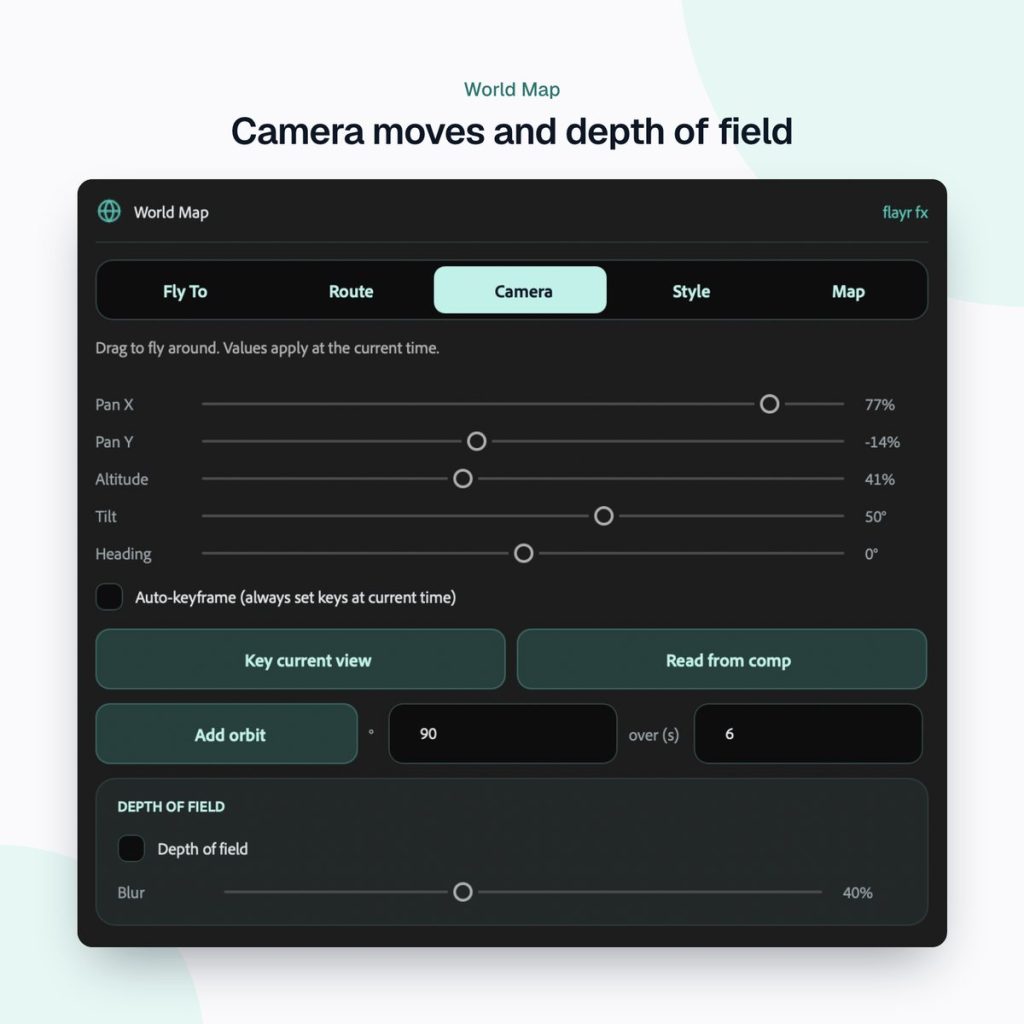
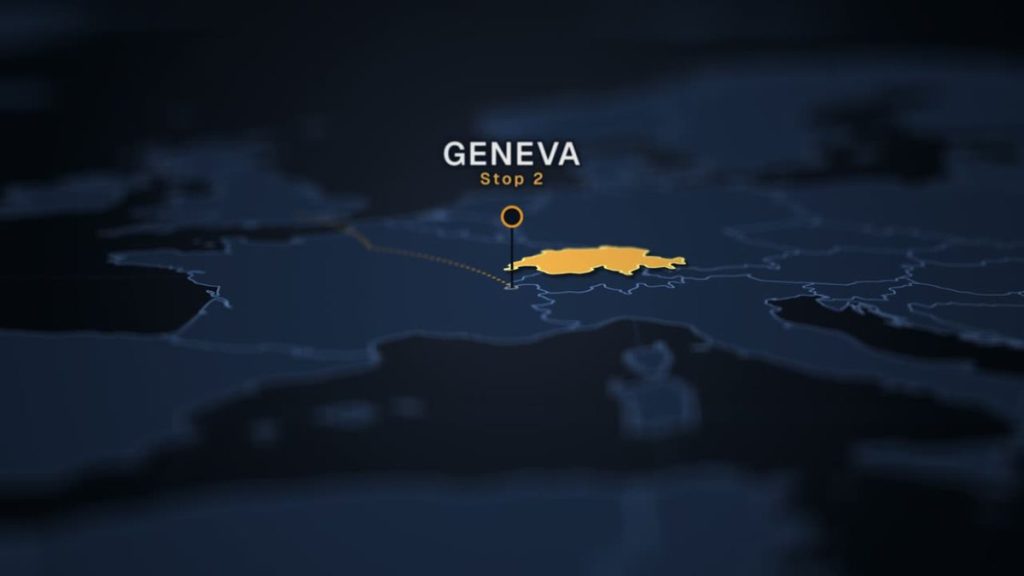
Set the flight time, hold, tilt, heading, how much of the frame the country fills, how high the camera arcs and how much it eases. Add a slow push-in while it holds, or an orbit around the country on arrival. The Camera tab has live pan, altitude, tilt and heading sliders with auto-keyframing, and depth of field that keeps the destination sharp, with the focus following it automatically.
Five looks, or your brand colour
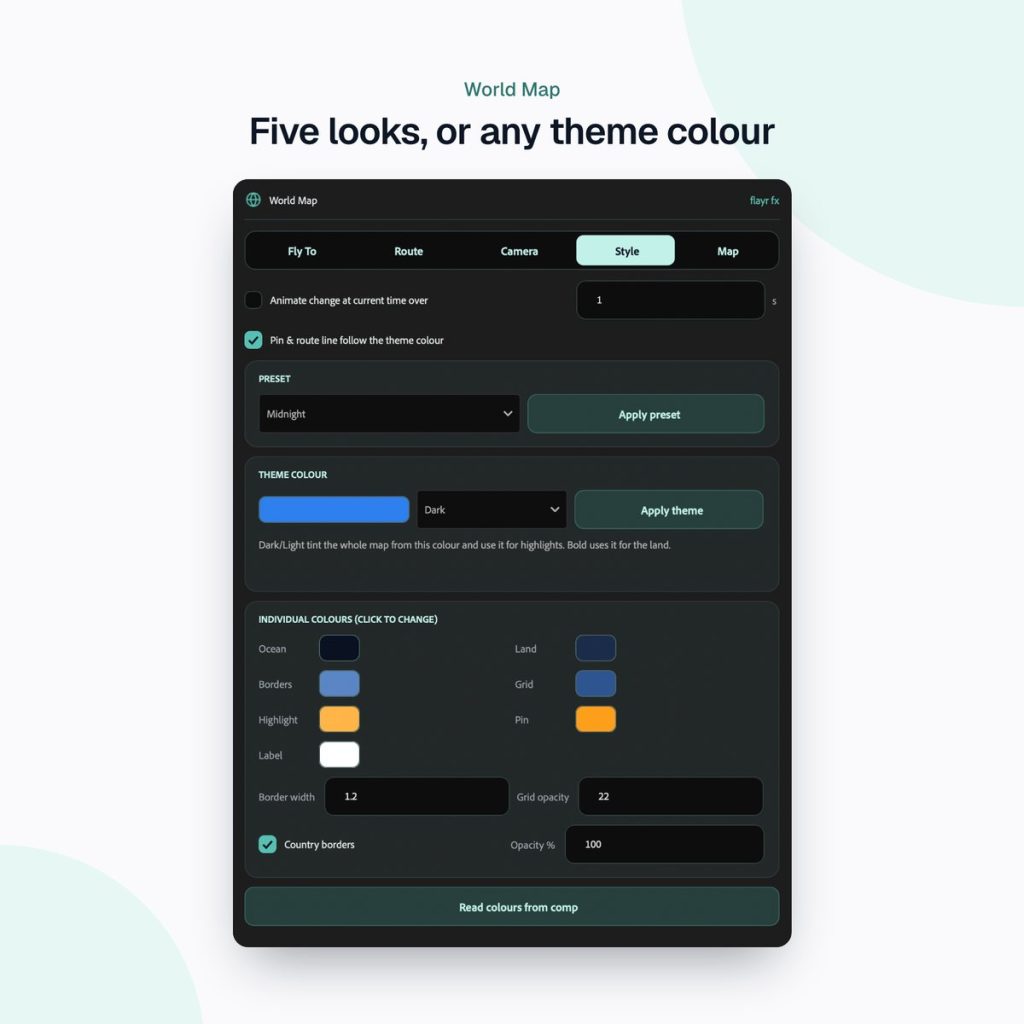
Choose Midnight, Daylight, Blueprint, Graphite or Emerald, or pick one theme colour and it builds a matching palette. You can change any of the seven colours (ocean, land, borders, grid, highlight, pin and label), and even change style mid-video with a smooth colour transition.
HD, 4K, vertical and square
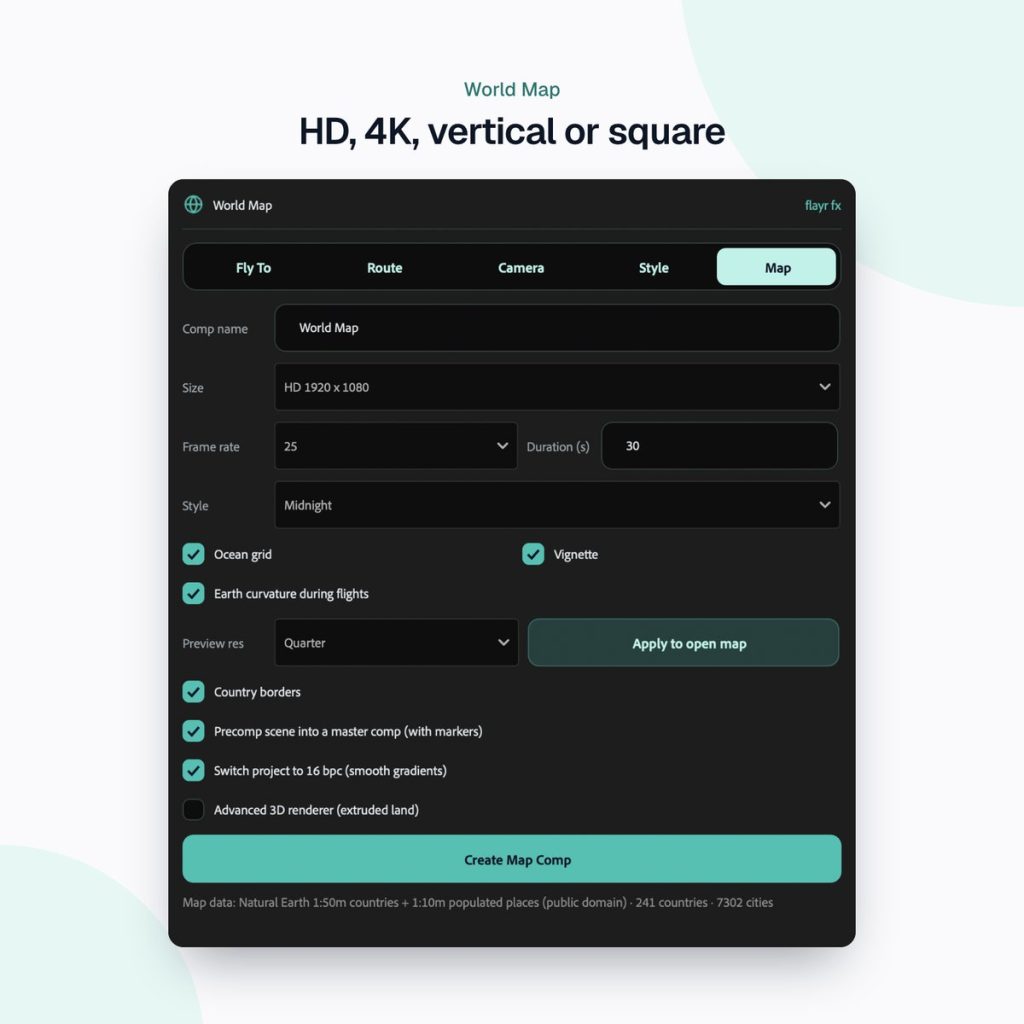
Build at 1920×1080, 3840×2160, 1080×1920 for Reels, Shorts and TikTok, or 1080×1080 square, at 23.976 to 60 fps. Earth curvature bends the map away like a globe as the camera climbs and flattens on landing. A master comp holds the scene as one layer, and every action is one undo.
How to make your first map animation, step by step
- Install the panel: unzip, choose File › Scripts › Run Script File in After Effects and pick the installer. Restart After Effects and open World Map from the Window menu.
- In the Map tab, choose your size (HD, 4K, vertical or square) and frame rate, and build the map.
- In the Fly To tab, type a country or city, add a subheading and description if you want them, and press Fly To.
- Move the playhead and fly to the next place, or switch to the Route tab and plan the whole journey at once.
- Pick a style in the Style tab, then fine-tune pin size, label size and colours. Every pin in the comp updates together.
- Use the markers it adds (“Fly to Paris”, “Paris lands”, “Paris text in”) to cut music and edits to the moves, then render.
Who it’s for
Editors and motion designers who need good-looking map animations quickly, without buying stock maps or building a camera rig by hand. That includes YouTube travel and history channels, documentaries, corporate and charity films, news and sport graphics, and social video. If you are new to the craft, our guide to what motion graphics is explains where map animations fit in.
Part of the Flayr FX Tools range
World Map is one of a family of small, focused After Effects and Premiere Pro tools we built for our own post-production jobs. Own more than one and they talk to each other: Screenshots and Social Comps add to-dos to Project Notes, and the Project Organiser writes what it moved into your notes. The free Flayr FX Tools hub puts the whole range in one panel under Window › Extensions › Flayr FX Tools, with a tile that opens or runs each tool. It also installs Flayr Ipsum, free placeholder text for titles and lower thirds.
Frequently asked questions
Do I need any third-party plugins?
No. Flayr FX World Map runs as a ScriptUI panel and creates native After Effects 3D layers, shapes and keyframes. It needs After Effects 2022 or later on macOS or Windows.
Can I use the maps in client work?
Yes. The map data is from Natural Earth, which is public domain, and everything you make is yours to use in personal or client work, royalty-free.
Can I make vertical map animations for Reels and TikTok?
Yes. Choose 1080×1920 when you build the map, and the labels and framing work in vertical. Square 1080×1080 is there too.
Can I edit the animation afterwards?
Yes. Camera, colours, curvature, depth of field, pin and label sizes all live on one controller null, so you can keyframe and tweak by hand.
Ready to stop keyframing cameras by hand? Get Flayr FX World Map on flayrfx.com and make your first map animation today.

- How to Find and Add Sound Effects in Premiere Pro Faster - November 5, 2026
- How to Organize an After Effects Project (Tidy the Project Panel in One Click) - November 5, 2026
- How to Make a Grid in After Effects (Split Screens, Mosaics and Layout Guides) - November 5, 2026

Leave a comment
You must be logged in to post a comment.