How to Make a Split Screen in Premiere Pro (and After Effects) with 4, 9 or 16 Clips
Video walls, reaction grids, before-and-afters, social mosaics and music-video montages all rely on the same effect. Making a split screen in Premiere Pro is easy for two clips. With nine or sixteen it becomes a long job of scaling, positioning and cropping.
This guide shows the manual method step by step, then how Flayr FX Multiscreen builds 4, 9 or 16-cell grids from your clips in one click, in Premiere Pro or After Effects.

How to make a split screen in Premiere Pro manually
Here’s a 2×2 grid in a 1920×1080 sequence, where each cell is 960×540:
- Stack your four clips on video tracks V1 to V4, lined up at the same start point.
- Select the first clip and, in Effect Controls › Motion, set Scale to 50% (for 1080p footage).
- Set its Position: top left is 480, 270, top right is 1440, 270, bottom left is 480, 810 and bottom right is 1440, 810.
- Repeat for the other three clips.
- If your footage doesn’t match the cell’s aspect ratio, scale it up to fill and add Effects › Transform › Crop to trim the overflow.
- Trim the clips to the same length, choose which audio to keep, and nest the result if you need to move it as one clip.
That’s four clips. A 3×3 grid means nine clips and new positions; a 4×4 grid means sixteen. Add gaps between cells and every number changes. Swap two clips and you redo both. It’s the kind of job that’s worth automating.
The fast way: Flayr FX Multiscreen
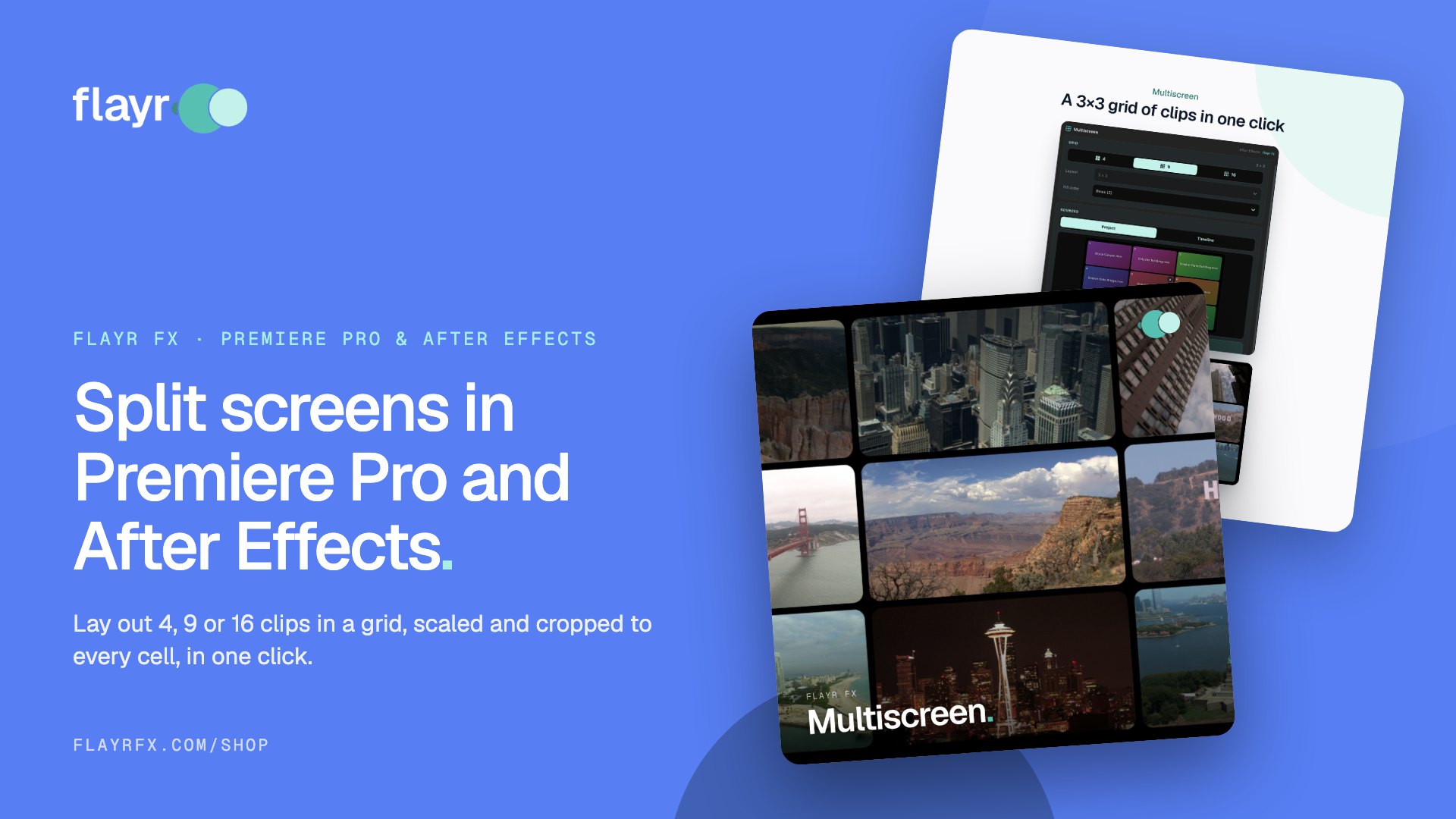
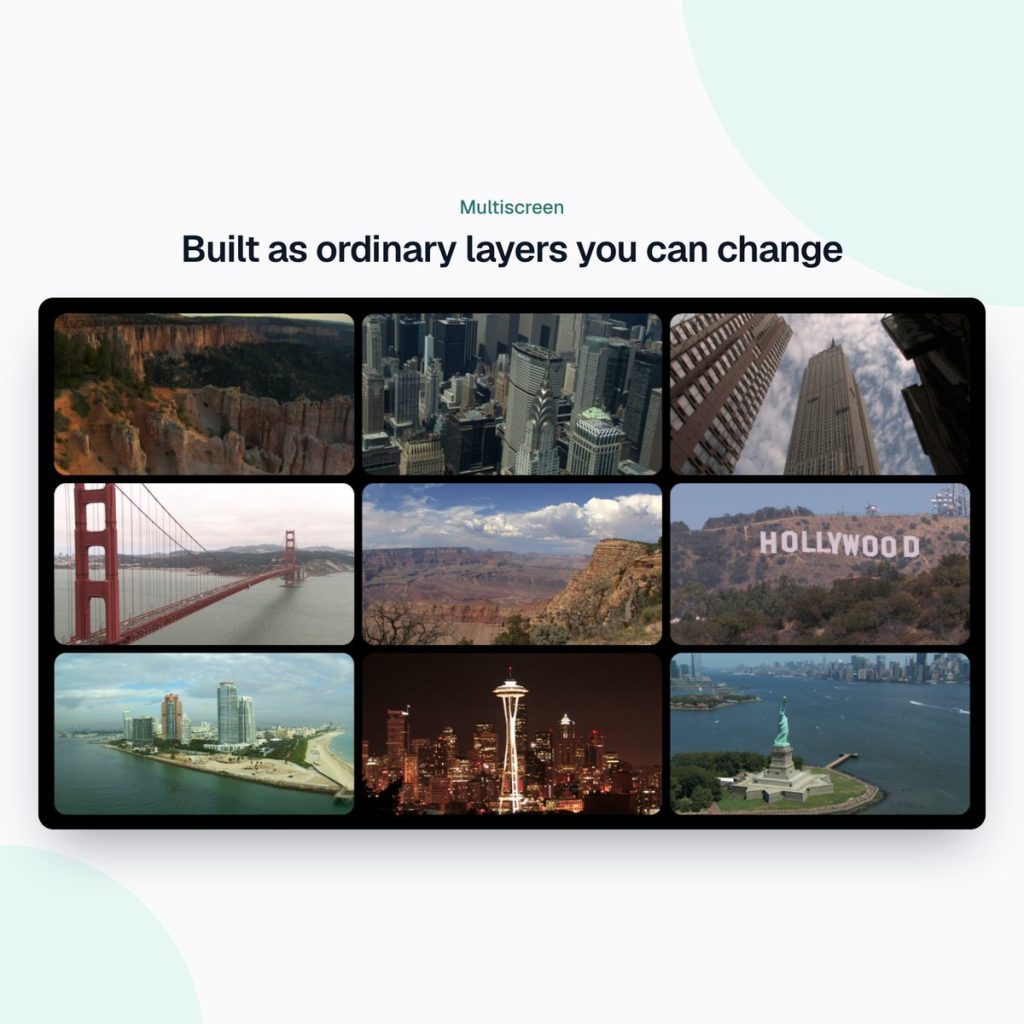
Flayr FX Multiscreen is a panel for Premiere Pro and After Effects (one extension for both). Pick 4, 9 or 16 cells, load your clips and press Build grid. Every clip is scaled, positioned and cropped to its cell, with gaps and margins to the pixel.
Grids and strips
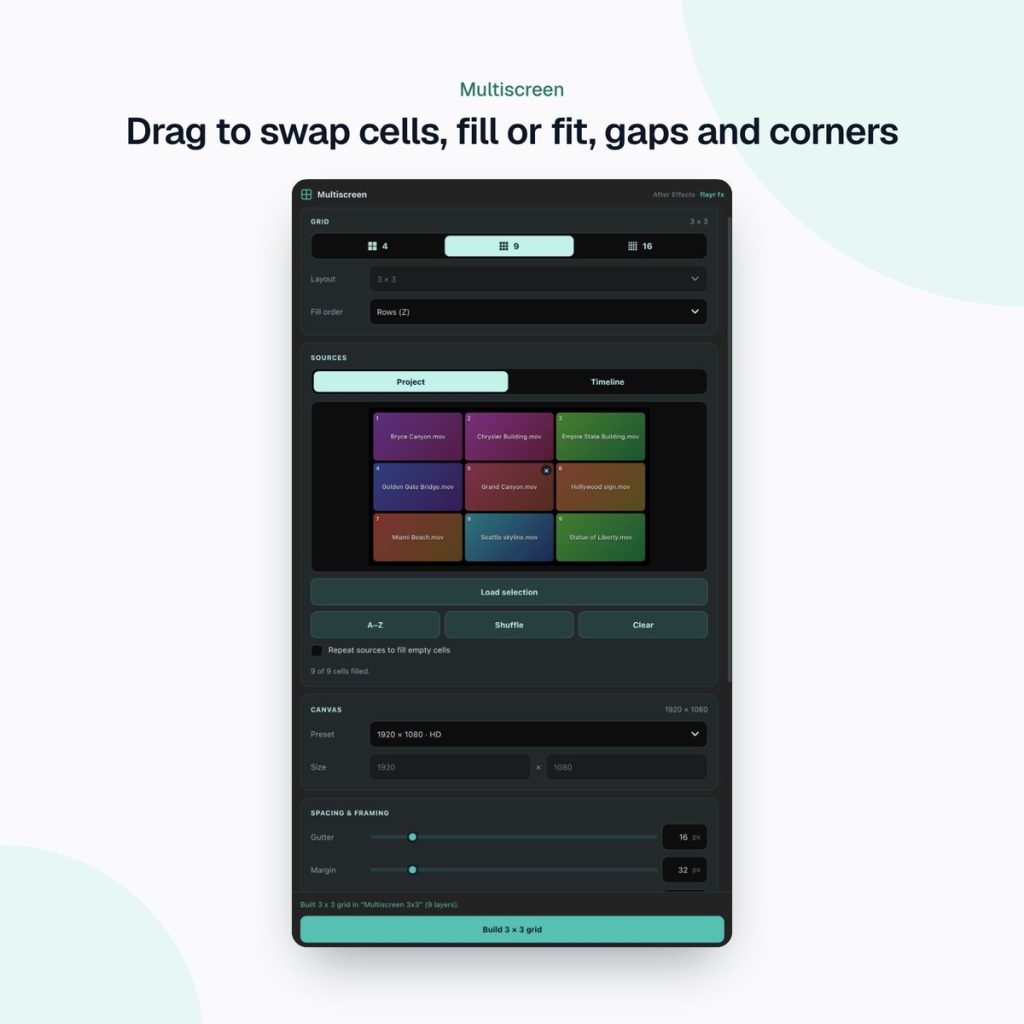
Choose 2×2, 3×3 or 4×4, or a 4×1, 1×4, 8×2 or 2×8 strip. Auto picks the layout whose cells best match your footage, and you can fill by rows or by columns.
From the project or the timeline
Select clips in the Project panel and it builds a new sequence or comp. Or select clips already in your sequence (or layers in your comp) and it arranges them into the grid where they are.
A live preview you can rearrange
Drag cells to swap them, empty one with ×, sort A–Z or shuffle, and repeat your clips to fill any empty cells. Then choose fill (crop the overflow) or fit (letterbox), and set gutter and margin in pixels.
Any canvas, nested safely
Build in HD, UHD, vertical 1080×1920, square, 4:5 or a custom size. The finished grid drops into the sequence or comp you have open, at the playhead, as one nested sequence or pre-comp on a free track, so nothing in your edit is overwritten.
What it builds in each app
- Premiere Pro: one video track per cell with Motion and Crop set for you; audio from cell 1 only, all or none; and an option to trim every clip to the shortest.
- After Effects: one layer per cell, cropped with a mask that’s replaced (not stacked) when you rebuild, optional rounded corners and a background solid, and a duration taken from the longest or shortest clip or a fixed length. All one undo.
Who it’s for
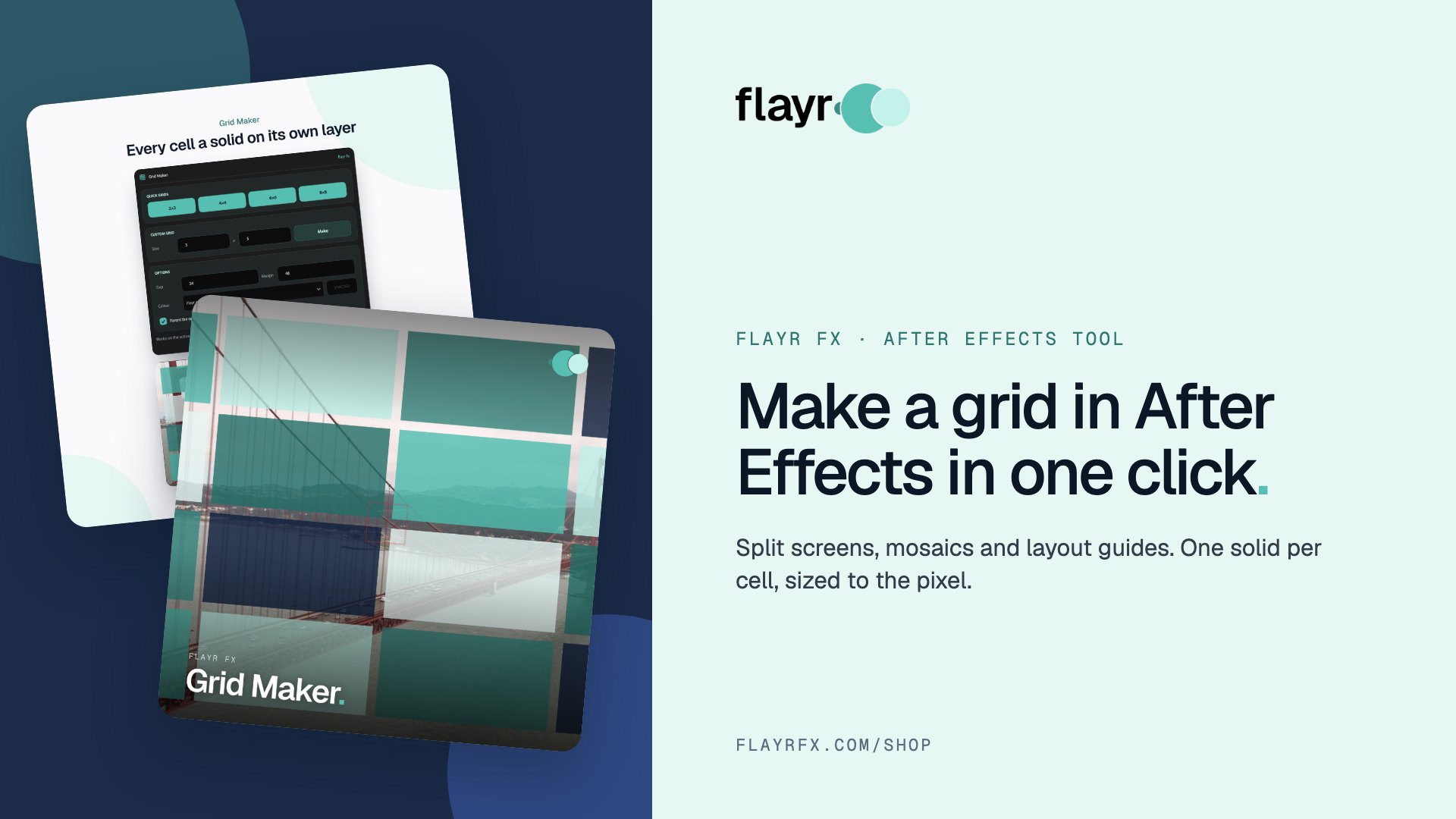
Editors and motion designers who build split screens by hand: social and YouTube editors, event and music videos, sport and corporate montages, and anyone making a video wall for a screen or a pitch. Need a grid of solids for mattes and layouts instead? See Flayr FX Grid Maker.
Part of the Flayr FX Tools range
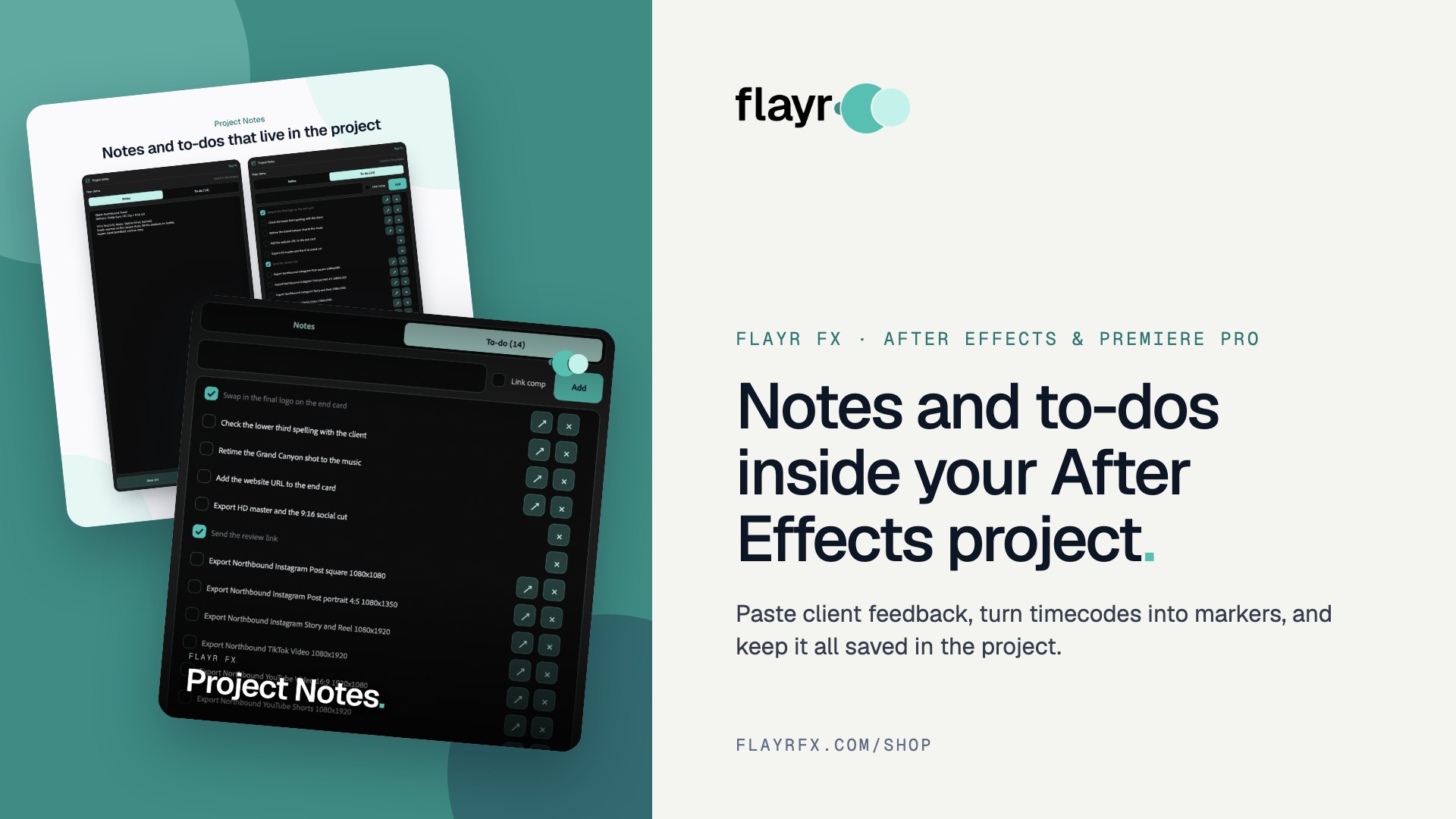
Multiscreen is one of a family of small, focused After Effects and Premiere Pro tools we built for our own post-production jobs. Own more than one and they talk to each other: Screenshots and Social Comps add to-dos to Project Notes, and the Project Organiser writes what it moved into your notes. The free Flayr FX Tools hub puts the whole range in one panel under Window › Extensions › Flayr FX Tools, with a tile that opens or runs each tool. It also installs Flayr Ipsum, free placeholder text for titles and lower thirds.
Frequently asked questions
How do I put four videos on one screen in Premiere Pro?
Stack the clips on four tracks, scale each to 50% and position them in the four quarters of the frame (480, 270 / 1440, 270 / 480, 810 / 1440, 810 in a 1080p sequence). Flayr FX Multiscreen does this in one click.
Does Multiscreen work in After Effects too?
Yes. The same panel works in Premiere Pro 2022 or later and After Effects 2022 or later, on Mac and Windows.
Will it overwrite my edit?
No. The grid is added as a nested sequence or pre-comp on a free track at the playhead.
Is there anything to know about languages?
In Premiere Pro, Fill & crop needs Premiere in English. In other languages the cells aren’t cropped.
Build split screens in seconds, not hours. Get Flayr FX Multiscreen on flayrfx.com.

- How to Find and Add Sound Effects in Premiere Pro Faster - November 5, 2026
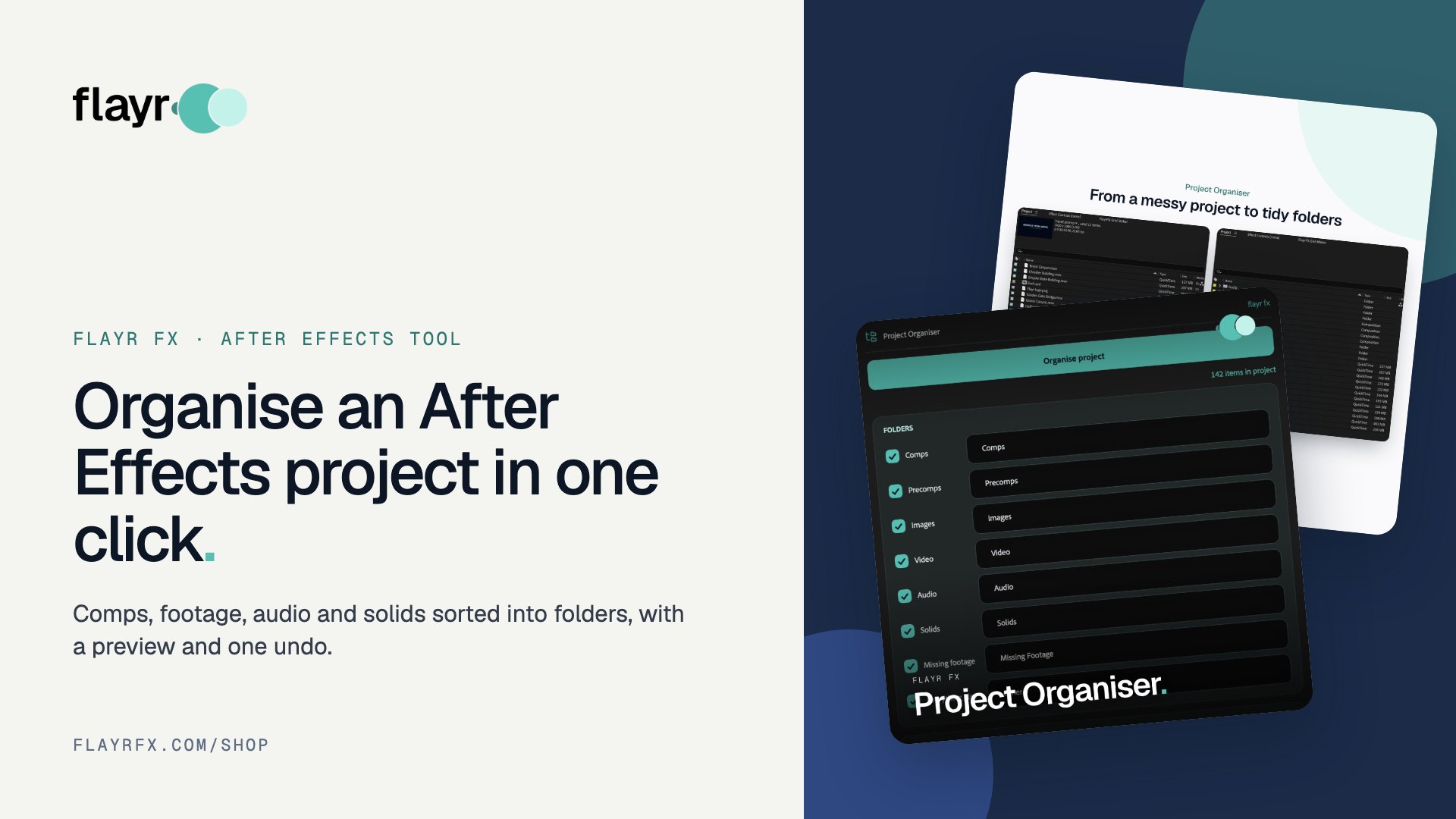
- How to Organize an After Effects Project (Tidy the Project Panel in One Click) - November 5, 2026
- How to Make a Grid in After Effects (Split Screens, Mosaics and Layout Guides) - November 5, 2026

Leave a comment
You must be logged in to post a comment.